



VR Real Estate App That Lets Buyers Tour Any Property from Anywhere
- < 10 min to create and publish a full 360° virtual property tour
- 2× more listing views for the client's 360° tours
- Rental application submitted in about 5 min
- 3 platforms delivered: iOS app, web portal, and agent dashboard
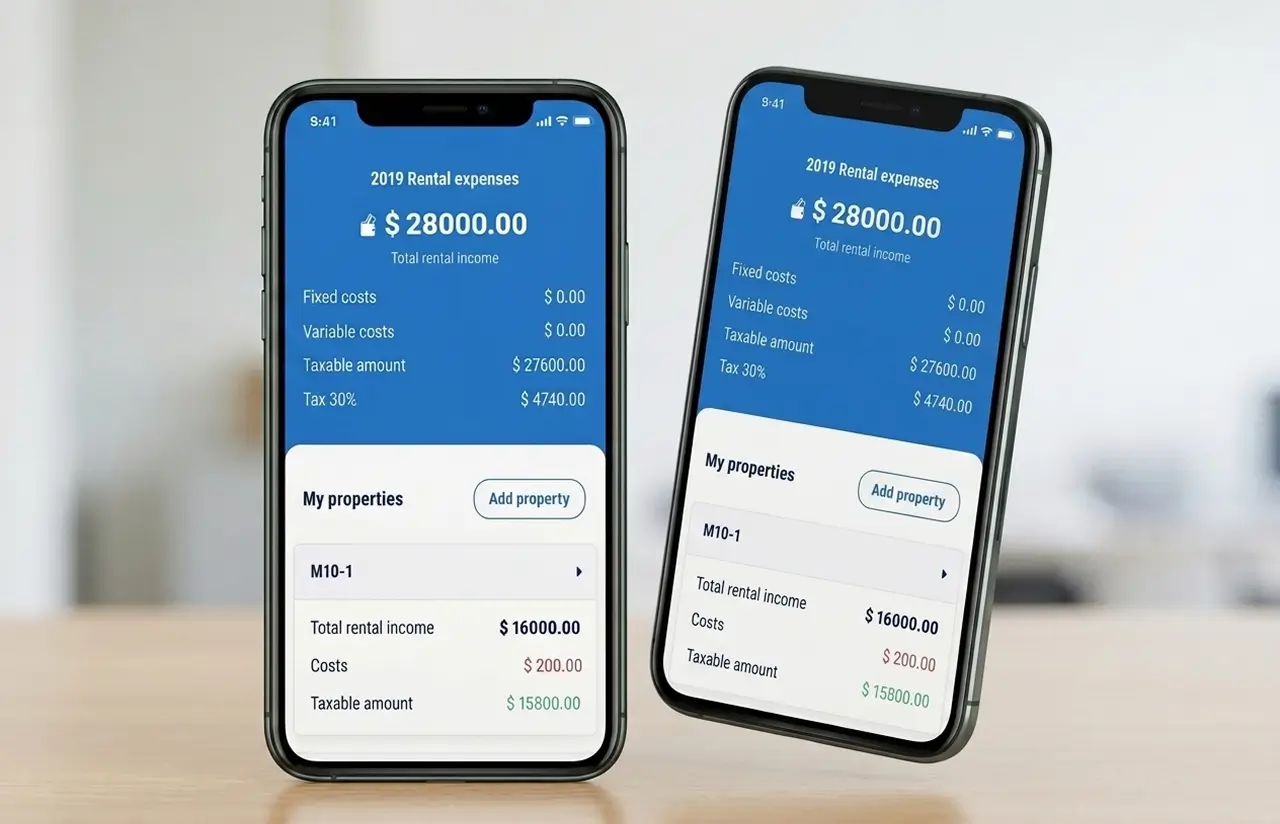
We built a virtual reality app for real estate: a 360° virtual tour platform that pairs RICOH THETA cameras with an agent-friendly mobile and web interface, turning every showing into an on-demand experience.
Request Similar Solution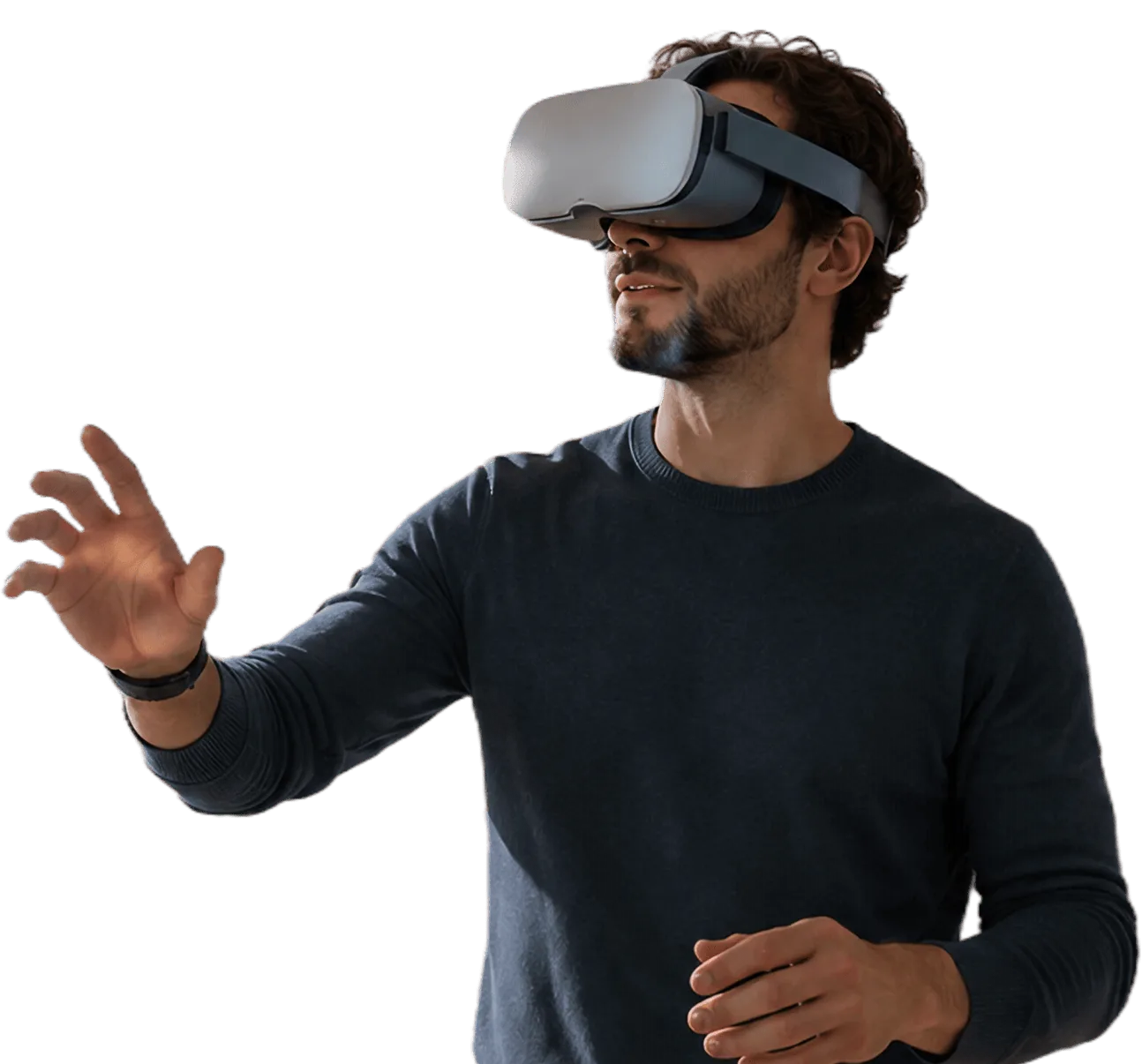
Project Details
Skyward is a US-based PropTech company focused on making property showings more accessible through 360° virtual tour technology. The client partnered with LITSLINK to build a mobile and web platform that would connect camera capture, listing management, remote viewing, scheduling, and rental applications in one streamlined workflow.
 Client
- Skyward
 Industry
- Real Estate
 Solution
- Web & mobile platform for 360° VR property tours
 Service
- Mobile Dev + Web Dev + UX/UI Design + QA
 Platform
- iOS, Web
 Scope
Scope- Product Design, Software Development, Business Analysis, Full Cycle QA, Publishing, Maintenance & Support
 Duration
- ~8 months
 Location
- US (Palo Alto, CA)
Business Challenge
Real estate runs on first impressions. Yet the industry’s standard showing process – phone tag, calendar juggling, 30-minute drives – filters out remote buyers before they ever see a property. Virtual tours help buyers understand layout and assess fit before scheduling in-person visits. Meanwhile, 3D home listings get more views and more saves than comparable listings without one.
The client watched agents lose leads every week to scheduling friction. Buyers relocated for jobs; renters searched across state lines. Traditional 2D photos left too much to the imagination, and existing 360° tour platforms were clunky, expensive, or locked into proprietary hardware. The client needed a real estate platform that agents could actually adopt without a learning curve, but nothing on the market checked every box.
-

Scheduling bottlenecks
An agent averaged 6–8 physical showings per listing before closing. Each one burned 30–60 minutes of drive time and coordination. Roughly one in three scheduled viewings ended as a no-show.
-

Limited buyer reach
Out-of-state buyers had to commit to a flight or pass on the listing. Agents had no practical way to deliver a contactless property viewing that felt as reliable as being there.
-

Fragmented camera-to-listing workflow
Agents shot photos with one app, uploaded to a second, and published listings on a third. No unified interface connected the 360° camera, the tour builder, and the listing page in a single workflow.
Technologies Behind the VR Real Estate App


Our 360° Tour Platform Solution
The core question: how do you give a buyer the feeling of standing inside an apartment while keeping the experience simple enough for an agent to set up between showings?
We mapped the gap between intent and action. The agent’s intent was to show the property to as many qualified buyers as possible. But the action (a physical visit) required both parties to be in the same place at the same time. That single constraint killed deals.
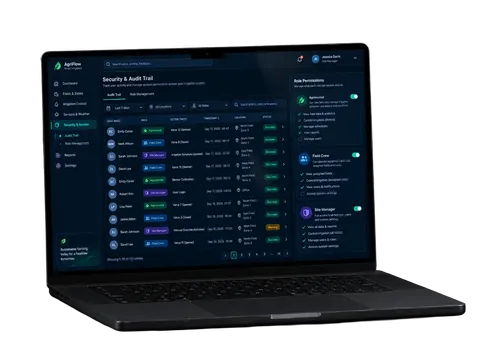
LITSLINK built a web and mobile real estate platform with three layers: an iOS app that connects directly to RICOH THETA V and RICOH THETA Z1 cameras via Wi-Fi, a web portal where buyers explore immersive virtual property tours, and an agent dashboard for managing listings, tour archives, and showing schedules.
The iOS app handled capture and upload; the web viewer rendered 360° panoramas through Unity and WebGL, with gyroscope-driven navigation for a smooth browsing experience. React.js drove the web portal. Firebase handled real-time data sync between the mobile capture app and the listing page – so a tour went live seconds after the agent finished shooting.
The camera integration layer alone required custom firmware handshakes, Wi-Fi reconnection logic for spotty field conditions, and memory optimization to keep the app stable on mid-range iPhones during long shooting sessions.
-
360° Camera Integration
Compatible with RICOH THETA V and RICOH THETA Z1 cameras as well as panoramas captured on any iPhone or iPad. Agents connect via Wi-Fi and shoot.
-
One-Tap Tour Publishing
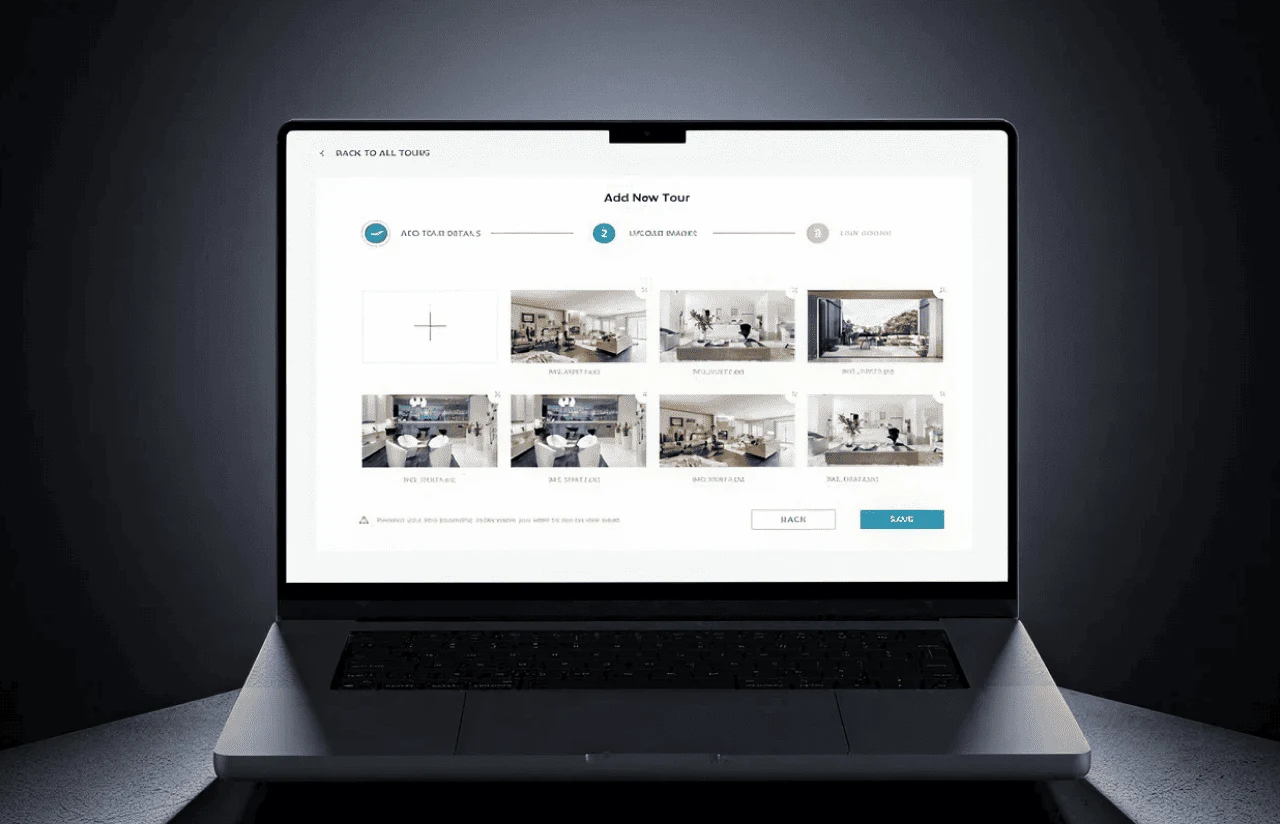
Create a listing, capture rooms, and publish a shareable URL in under 10 minutes. Each address gets a unique link that agents send via SMS, email, or social media.
-
Immersive Buyer Viewer
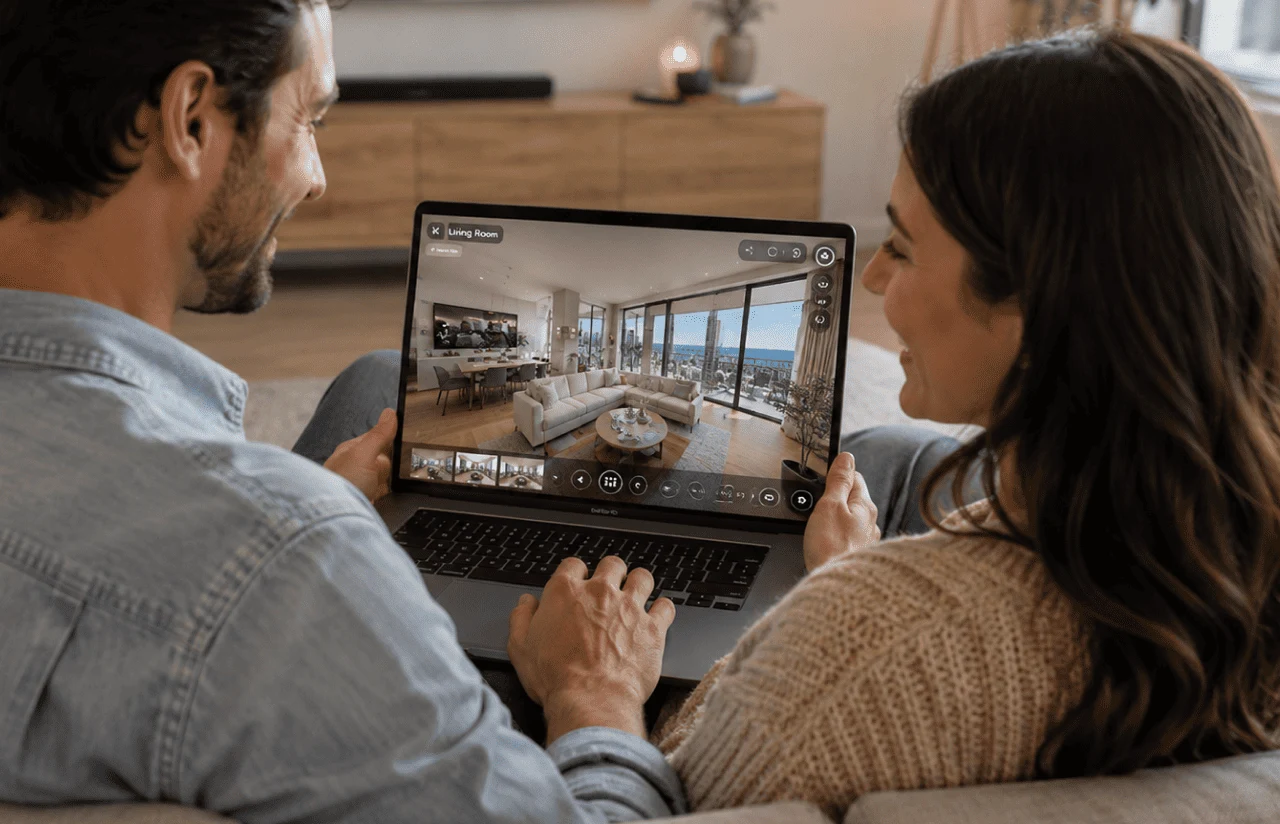
Buyers open a link on any device and navigate the property with swipe or gyroscope controls. No app download required for the viewer side.
-
Two-Click Showing Scheduler
If a buyer wants to see the place in person after the online apartment showing, they book a visit in two taps. Calendar slots sync with the agent's availability in real time.
-
360° Virtual Property Tours on Any Device
Buyers open a shareable link on mobile, tablet, or desktop and navigate the property with swipe or gyroscope controls. No app download required for the viewer side.
-
In-App Rental Application
Renters submit a full application in about 5 minutes – directly from their phone – without leaving the platform. This shortened the apply-to-lease cycle by days.
Struggling with low-converting physical showings?
Request a Similar SolutionScrum Methodology
Project Journey
We ran the project in 2-week sprint cycles – 16 sprints total across discovery, development, QA, and launch preparation. The first sprint exposed a tricky edge case: RICOH THETA cameras drop their Wi-Fi connection when the phone switches networks. We solved it with a background keep-alive service in Sprint 2, before it could cascade into the capture workflow.
Discovery covered three user roles (agent, buyer, admin), two hardware targets (RICOH THETA V, RICOH THETA Z1), and the decision to use Unity for the viewer instead of a pure WebGL approach – a choice that paid off in rendering quality on older phones.
- Weeks sprint cycles
- 2
- Sprints completed
- 16
- On-time delivery
- 97%
- Team members
- 7
How the Virtual Property Tour Platform Works
-
Connect Camera
The agent opens the iOS app and pairs the RICOH THETA camera via Wi-Fi. Connection takes under 5 seconds.
-
Capture Rooms
Walk through the property and tap to shoot each room. The camera captures a full 360° panorama per shot; the app handles upload automatically.
-
Create Listing
Add the address, price, and details. The app generates a unique shareable URL for each listing.
-
Share Tour Link
Send the 360° virtual tour to prospective buyers via SMS, email, or social media – no app install needed on their end.
-
Buyer Explores Remotely
Buyers navigate the property on their phone or desktop using swipe or gyroscope controls for a full immersive view.
-
Book or Apply
Interested buyers schedule a physical showing in two clicks or submit a rental application in about 5 minutes.
Scrum Process Flow
Real estate software development doesn’t benefit from big-bang releases. Scrum’s sprint cadence meant the client reviewed working builds every two weeks and steered priorities before decisions became expensive to reverse.

Inside Each Sprint
-
Daily Scrum
15-min sync every morning
-
Retrospective
Inspect & adapt process
-
Sprint Review
Demo to stakeholders
-
Increment
Shippable product update
-Timeline
Five Phases of Delivering the Online Apartment Showing App
-
Discovery & Product Workshop
2 weeks
- Mapping three user roles: agent, buyer, admin
- Evaluating RICOH THETA API capabilities and Wi-Fi stability
- Defining MVP feature set and KPI targets
-
UX/UI Prototyping
3 weeks
- Wireframing the one-hand capture flow for agents
- Designing the browser-based 360° viewer for buyers
- Usability testing with 5 real estate agents in NYC
-
Agile Development (Sprints)
~5 months
- Building iOS camera integration with RICOH THETA V and Z1
- Developing the React.js web portal and listing pages
- Implementing Firebase real-time sync and Unity-powered viewer
-
QA & Testing
3 weeks
- Field testing camera pairing in 15+ property types
- Cross-browser testing for the 360° viewer on 20+ device configurations
- Load testing the listing backend for concurrent tour publishing
-
Launch & Support
Ongoing
- Publishing to the Apple App Store
- Monitoring crash reports and memory usage post-launch
- Rolling version updates (2.0 major release with tour archiving and community tours)
UI/UX Design
The UX goal was blunt: an agent with no technical background should be able to publish a tour between showings. Every screen had to earn its tap.
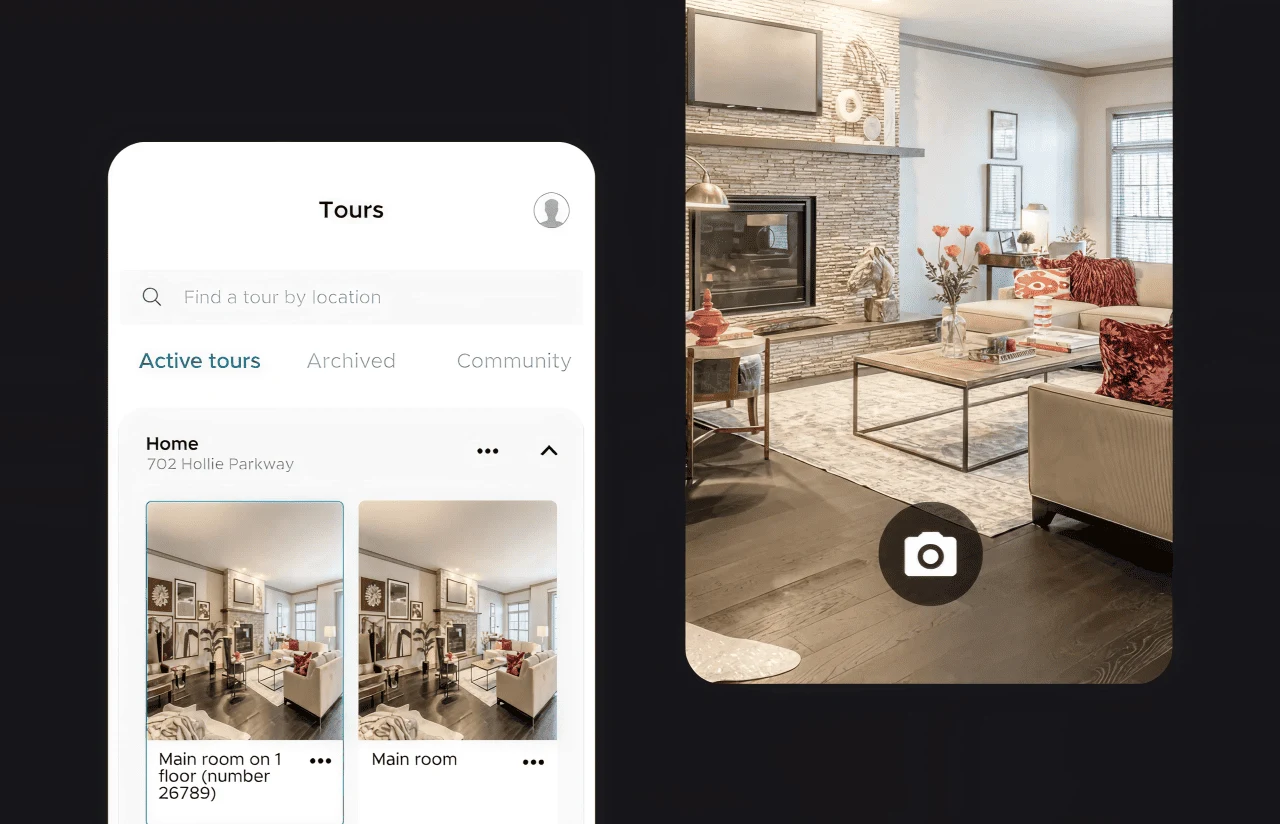
User interviews with 12 NYC-based agents revealed a pattern. They didn’t read the instructions. They expected the app to behave like their phone’s native camera – point, shoot, done. So we designed the capture flow around exactly that metaphor: a single shutter button, automatic upload, and no export step.
The visual language centers on a deep teal accent (#004F6B) for primary actions, while neutral grays (#B7C0C4, #73868F) and white cards let property photography take center stage. Montserrat serves as the universal typeface, offering excellent readability for mobile listings and a clean aesthetic for desktop dashboards.
On the buyer side, the viewer loads inside a standard browser link – no App Store redirect, no sign-up wall. Gyroscope navigation on mobile, click-and-drag on desktop. Tour cards show address, price, and a “Schedule Showing” button above the fold. One early user review confirmed the approach: a photographer noted that creating a full tour took less than 10 minutes, compared to 30–60 minutes for traditional photos.
Results
Before
- Agents averaged 6–8 physical showings per listing, each burning 30–60 minutes.
- Out-of-state buyers had no practical way to evaluate a property remotely.
- Creating a standard photo listing took 30–60 minutes of shooting and editing.
- No unified interface connected the camera, tour builder, and listing page.
After
- Agents publish full 360° tours in under 10 minutes – camera to live link.
- Every listing published through the platform could be shared and viewed remotely by out-of-state buyers.
- In the client's listings, views doubled compared to properties with static photos only.
- One platform handles capture, publishing, scheduling, and applications end-to-end.

The Impact
Cutting tour creation from 30+ min to under 10 min removed the biggest adoption barrier. Agents and photographers could now build a 360° tour between showings – quick enough that they actually did it, rather than defaulting to static photos.
That consistency paid off. With more listings carrying virtual tours, buyers and renters started evaluating properties remotely before requesting a visit. The 2× jump in listing views translated to broader reach, stronger leads, and fewer early-stage showings with people who weren't serious yet. The 5-minute in-app rental application closed another gap. Renters could apply right after exploring a property instead of putting it off until they got back to a desktop. It shortened the path from interest to action and kept motivated leads inside the platform.
What’s Next
The current platform covers capture, viewing, scheduling, and applications. The planned next phase expands both the hardware ecosystem and the intelligence layer:
- Android app
Extending the capture experience to Android devices to double the agent addressable market. - AI-powered virtual staging
Using generative AI to auto-furnish empty rooms inside the 360° tour, helping buyers visualize lived-in spaces. - Analytics dashboard
Showing agents which rooms buyers spend the most time in, which listings get the most replies, and where interest drops off.
-Verified Reviews
Our Reputation on Top Platforms
LITSLINK is consistently rated among the top software development companies on Clutch, GoodFirms, and other industry review platforms. Client reviews highlight the team’s technical depth in mobile and web development, communication throughout the engagement, and ability to navigate complex hardware integration requirements.
Have a Real Estate App in Mind?
Want to make property showings faster, remote-friendly, and easier to manage? Tell us about your real estate app idea – we’ll review it and respond within 48 hours.
Next steps:
- LITSLINK specialist reviews your request and contacts you to discuss the details;
- If needed, we can sign an NDA before moving forward;
- We send a project proposal – estimates, timeline, and team CVs included;
- After launch, we stay on for any updates your product needs.
- 48h Response
- 1540+ Projects
Thank you for your message. It has been sent.