






Building Object Tracking Software for Real-Time Person Detection
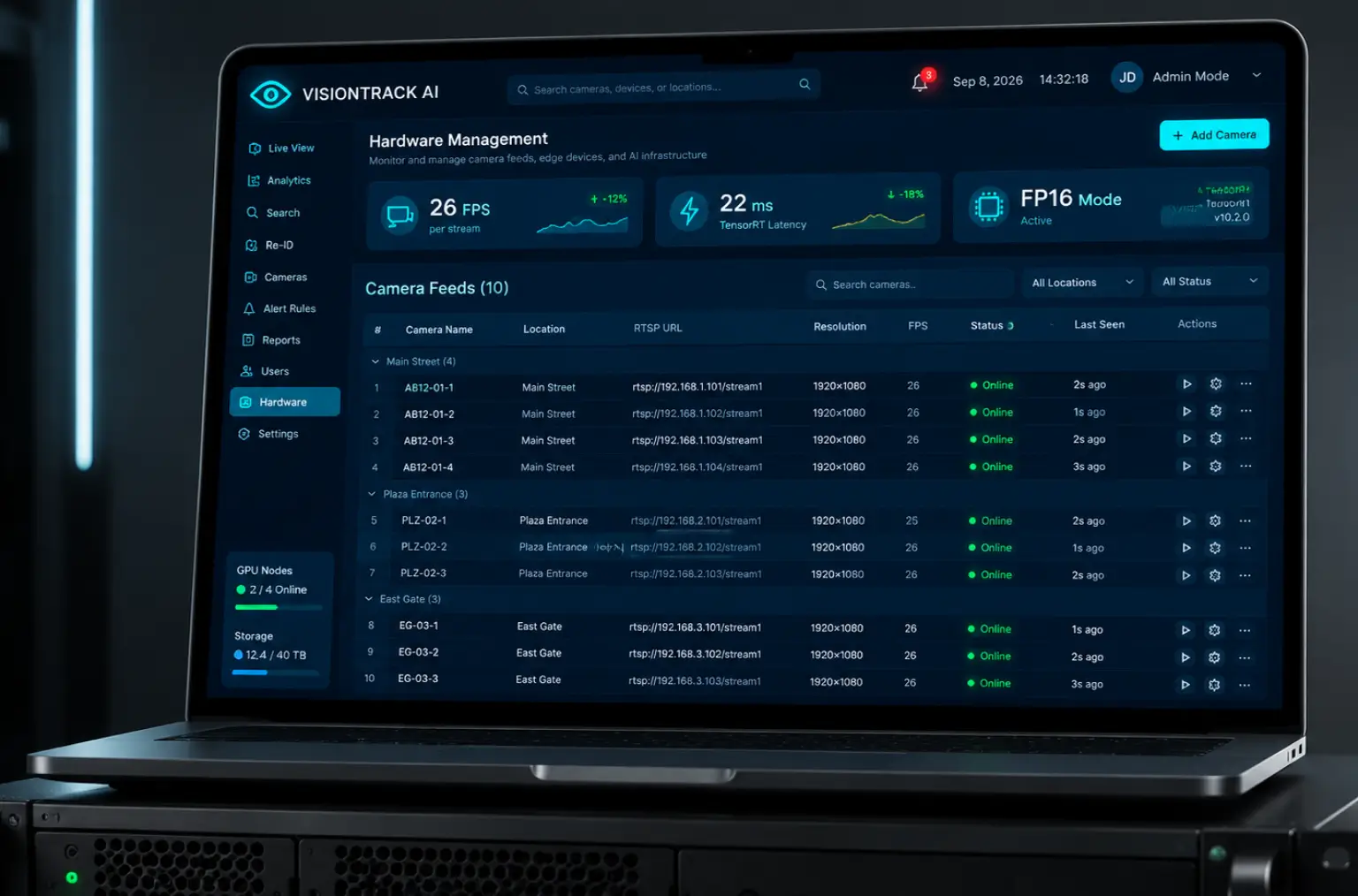
- 26 FPS per camera stream on edge hardware
- 81% IDF1 identity persistence in crowded scenes
- ±3% people count accuracy against manual counts
- 10 feeds with live object tracking in the pilot
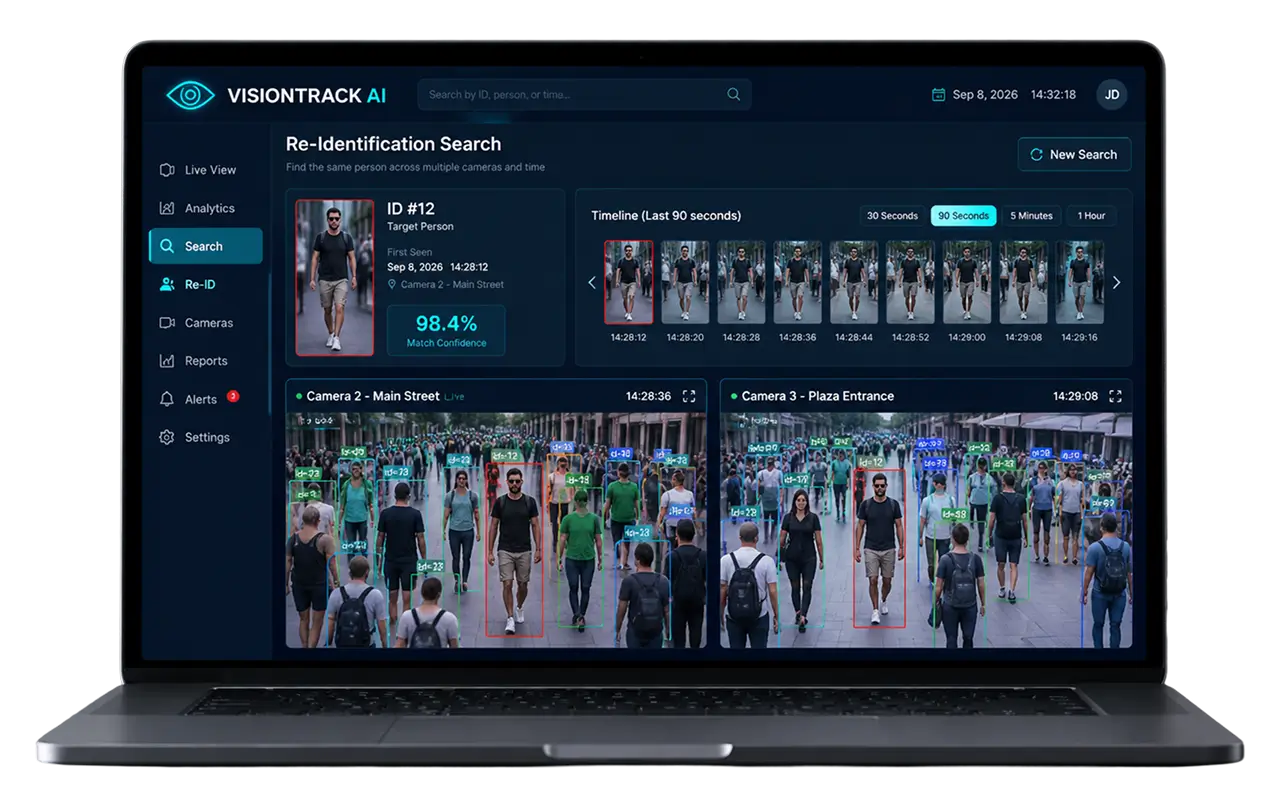
We built object tracking software for a US computer vision company that detects every person in a frame, follows each one with a color-coded bounding box across cameras, and turns those tracks into live counts
Project Details
The client builds video surveillance monitoring software for property operators and city agencies in the US. Their product recorded video and flagged movement, nothing more. Operators wanted a tracking system that could identify objects on screen, keep a unique ID on each one, and hand analysts numbers instead of playback.


Business Challenge: Developing Advanced Object Tracking for Real-World Deployment
Ten cameras watched a pedestrian block, a plaza, and two entrances. They produced about 240 hours of video a day, and three operators watched perhaps a tenth of it. Counting people meant a clicker and a clipboard. The client had already tried an open source object tracker on a laptop. It ran at 6 frames per second and gave the same person four IDs inside a minute.
Most tracking tools stop short of the real world: crowded scenes, fast motion, walkers who cross paths, and overhead cameras that see the top of a head instead of a face. The brief was multiple object tracking that survives all of that on the edge hardware already on site. Three problems set the scope.

Identity Persistence Through Occlusions
Two people cross paths, a pillar hides one for two seconds, and a basic tracker gives the new detections a fresh ID. On test video, 31 ID switches per 1,000 frames made tracking objects across a plaza pointless.

Real-Time Processing on Edge Hardware
A stock detection model needed 110 ms per frame on the edge boxes, roughly 9 FPS. Below 20 FPS the motion model breaks: a walking object moves too far between video frames to be matched.

Multi-Camera Tracking Integration
Each camera ran its own object tracker with its own ID space. Person 73 on feed 2 became person 12 on feed 1, so site-wide counts double-counted visitors.
Technologies Behind the Multi-Object Tracker


Our Multi-Object Tracking Solution
One question shaped the architecture: how object tracking works when the detector, the tracker, and the re-ID model each fail in a different way. A detector misses a person in shadow, a motion model loses an object that stops moving, a re-identification model confuses two black jackets. We built the object tracking pipeline so each stage covers the weaknesses of the other two.
Detection first. A YOLO detector, trained on 42,000 labeled objects from the client’s own cameras, finds every person and returns a bounding box with a confidence score. It reached 93% mAP on a 4,000-frame holdout set. Object tracking next. DeepSORT matches new detections to existing tracks with two signals: a Kalman filter predicts where each object should be in the next frame, and a 128-dimension appearance embedding confirms the object inside the box is the same one. When they disagree, appearance wins, which is what carries an identity through an occlusion.
We benchmarked DeepSORT against ByteTrack and BoT-SORT using Roboflow trackers, a lightweight Python library with modular re-implementations of the main object tracking algorithms, where swapping trackers is a one-line change. BoT-SORT handled camera motion compensation better, but the cameras here are fixed, and DeepSORT kept identities longest in crowded scenes. Speed came from deployment: TensorRT compiled the detector to FP16 for the Jetson boxes, cutting inference from 110 ms to 22 ms per frame. The full pipeline runs at about 26 frames per second per stream, four streams per edge node. Most motion tracking software stops at the box on screen. This object tracking tool was built to answer questions.
Real-Time Multi-Object Tracking
Every object gets a bounding box in its own color that follows it frame to frame at 26 FPS. Operators watch moving bounding boxes with a unique ID, tracking multiple objects at once.
Deep Learning Re-Identification
A re-ID model trained on 60,000 crops from 1,900 identities embeds every track. When someone reappears after an occlusion, cosine distance to the stored embedding restores the original ID.
Edge-Optimized Detection Pipeline
The detection model runs as an FP16 TensorRT engine on NVIDIA Jetson boxes at 22 ms per frame. Raw video never leaves the site.
Cross-Camera Identity Management
Embeddings from all cameras share a gallery with a 90-second window, so an object leaving feed 2 and entering feed 3 keeps one global ID.
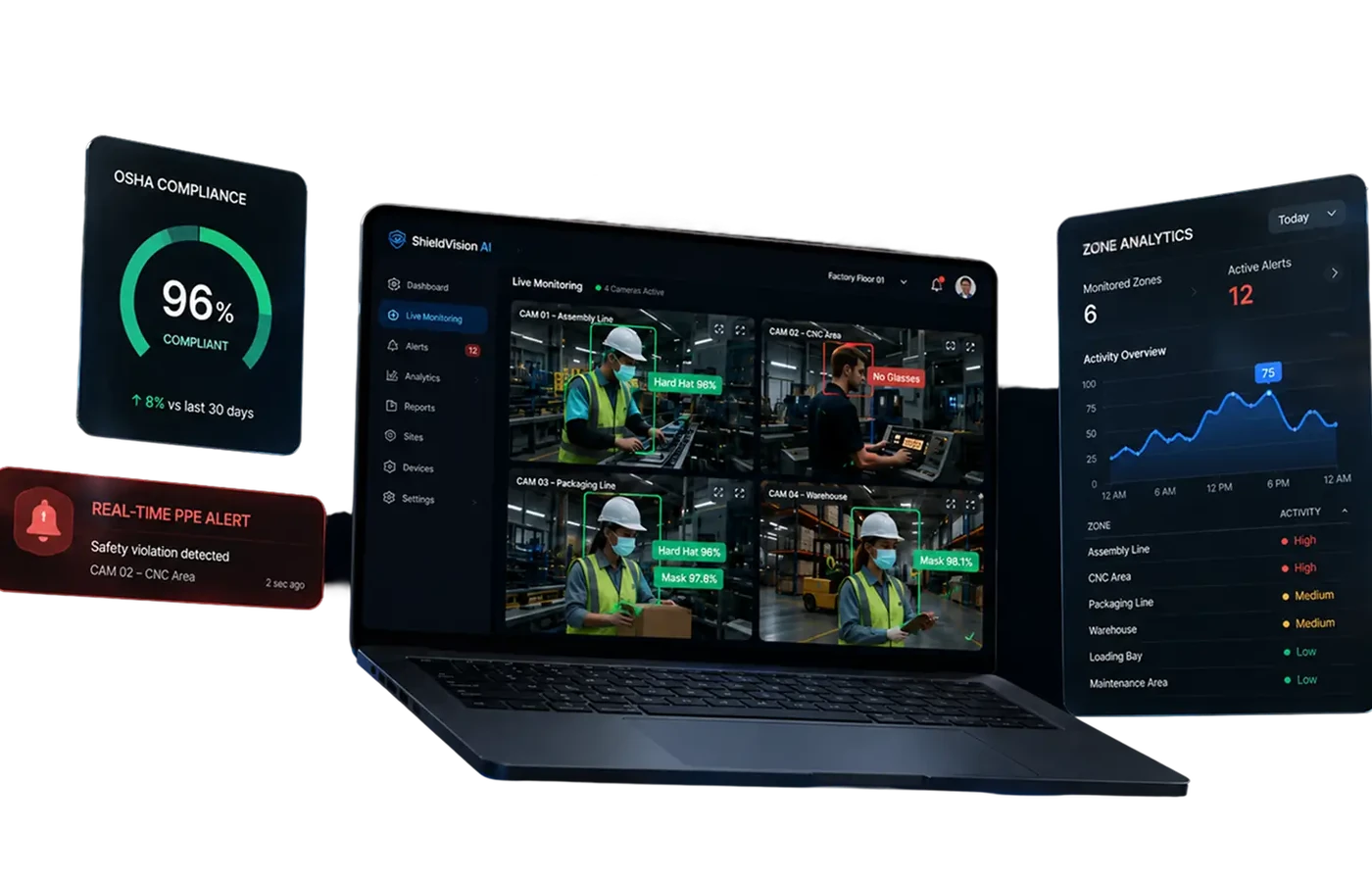
Real-Time Analytics Dashboard
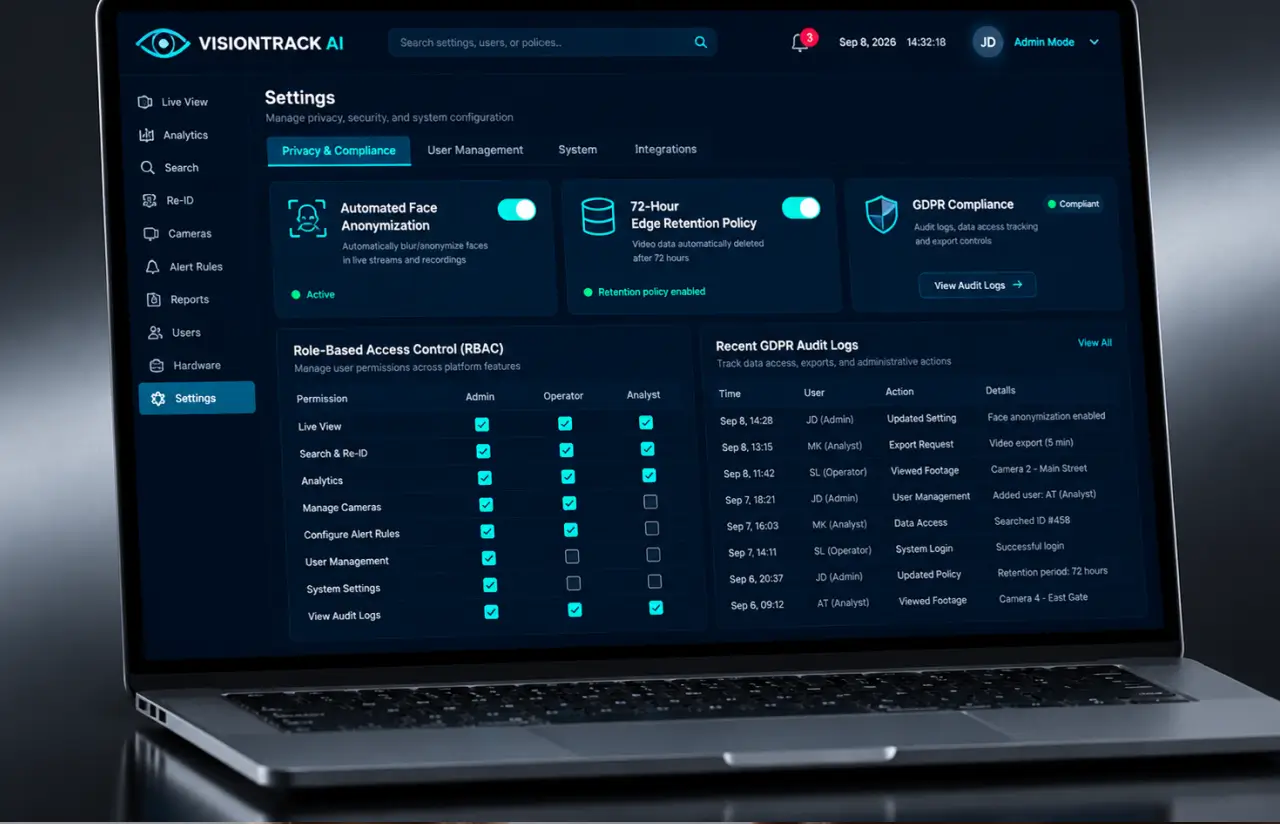
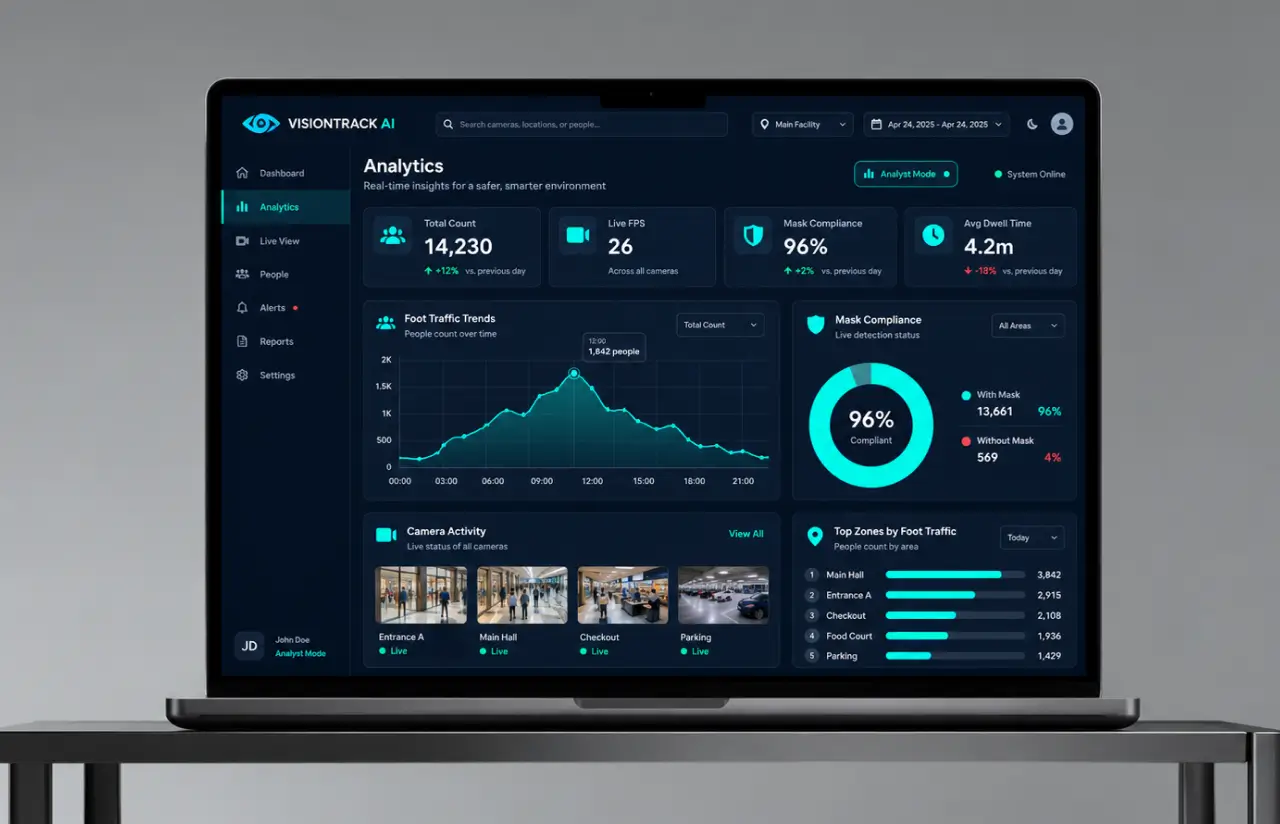
Live counts per feed and per zone every five seconds, plus trajectory overlays and dwell-time heatmaps for any window from the last hour back to 90 days.
Configurable Automated Alert System
Thresholds per zone for crowd density, dwell time, restricted areas, or mask compliance below target. Alerts land within 2 seconds of the triggering frame.
Privacy-Compliant Processing
The system stores track IDs, positions, and embeddings, never faces. Video is kept on the edge node for 72 hours and then overwritten.
Agile Methodology
Project Journey
The seven-month object tracking project ran in two-week sprints, starting with three sprints spent labeling video and training the detector before any tracking code was written. Discovery defined what counted as one object, one track, and one visit, which sounds trivial until a stroller and a child on shoulders share a frame. Six people carried the work: two computer vision engineers, a backend engineer, an edge and DevOps engineer, a designer, and a QA specialist.
How the Object Tracking Software Works
- The edge node pulls 1080p video frames from up to four RTSP streams and batches them for the GPU.
- Run detection on every frame and the model returns a bounding box, a confidence score, and a mask or no-mask label per object.
- A Kalman filter predicts each existing track's next position from its motion, updated frame by frame.
- New detections match existing tracks by position and appearance. Matches keep their ID, unmatched objects start a new track.
- When the same object appears on another feed within 90 seconds, the two tracks merge under one global ID.
- Counts, trajectories, dwell times, and mask rates update in the dashboard within 1.2 seconds, and alerts fire on threshold.
Development Process Flow
AI development for computer vision rewards early exposure to real video, because a tracker that scores well on a benchmark can fall apart on one badly lit stairwell. Operators reviewed live object tracking output 14 times before rollout, and four of those reviews changed the tracking algorithms or the alert thresholds. Demos ran on the plaza feed at lunchtime, the busiest hour, on purpose.
How We Delivered the Object Detection Project
- We define the project goal together, agree on priority features, and set a realistic delivery date and budget.
- We build a ranked list of everything the product needs, starting with what matters most to the business.
- Work is broken into 2-week cycles. At the start of each, we select the next set of features to deliver.
- The team builds, tests, and integrates features throughout the sprint.
- At the end of every sprint, you see working software and give feedback that shapes the next cycle.
- Each sprint produces a shippable piece of the product. We review what worked, adjust, and move forward.
Timeline
Five Phases, Clearly Defined
Discovery & Data Audit
- Reviewing video from all 10 cameras
- Defining one object, one track, one visit
- Measuring the edge hardware on site
Model Prototyping
- Labeling 42,000 objects across 11,000 frames
- Benchmarking DeepSORT, ByteTrack, and BoT-SORT
- Training the first re-ID network
Agile Development
- Building the detection, tracking, and re-ID pipeline
- Compiling the detector with TensorRT
- Shipping the API, dashboard, and alerts
QA & Testing
- Regression on 2,400 hand-annotated frames
- Load testing at 5 streams per node
- Auditing retention and access logs
Launch & Support
- Rolling out to the 10-camera pilot over 3 weeks
- Watching ID-switch rates weekly
- Adding alert types from operator feedback
UI/UX Design: Intuitive Interface for Object Tracking Management
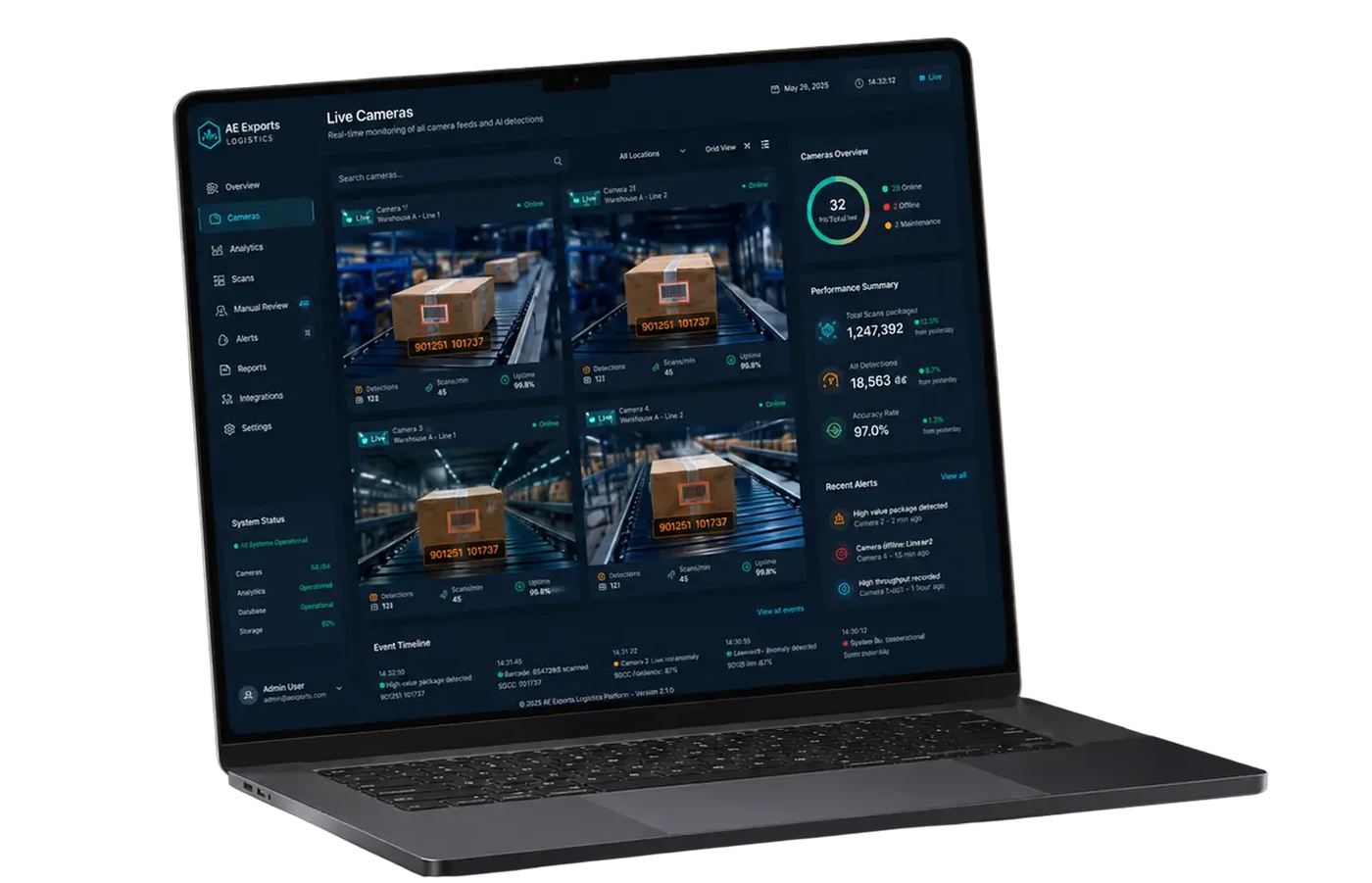
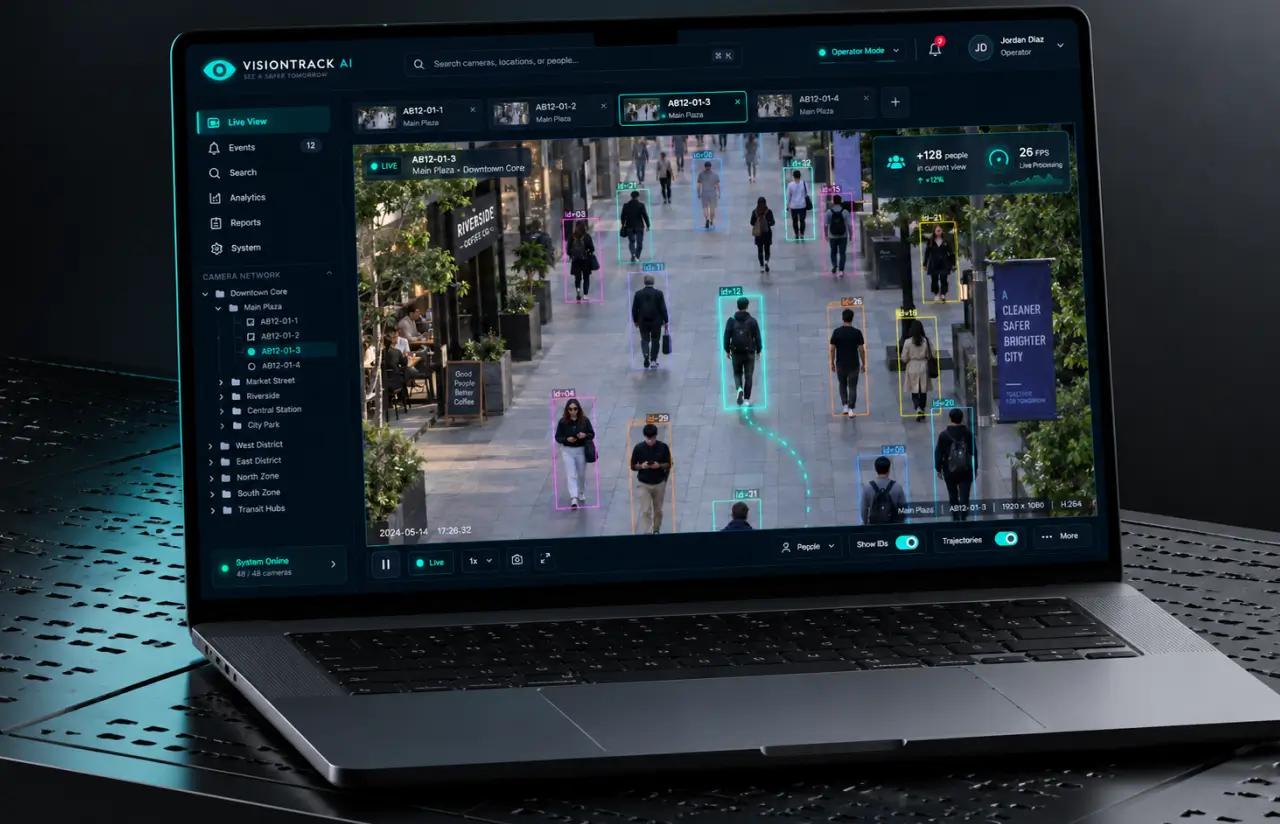
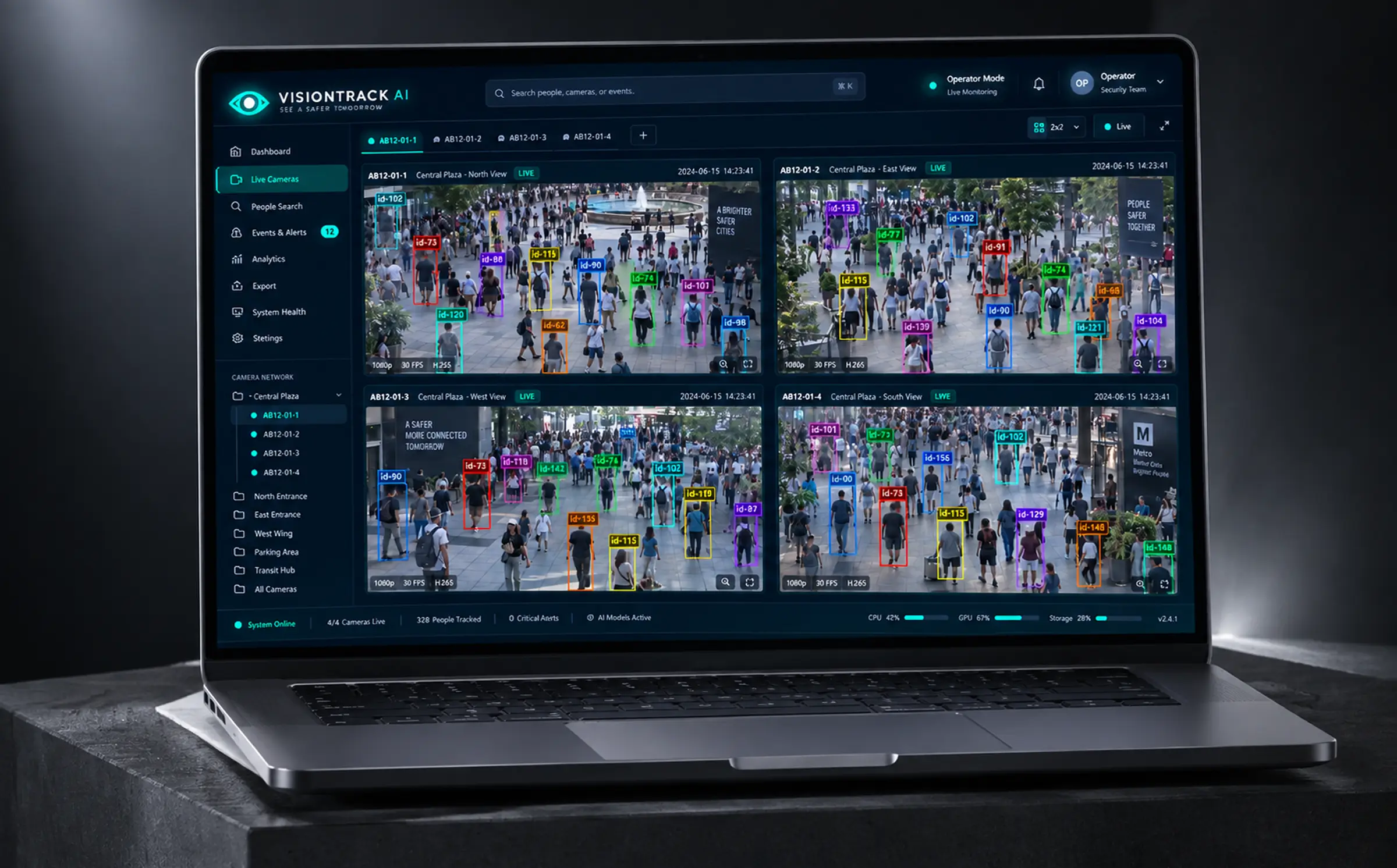
Operators watch these screens for eight hours at a stretch, so the interface had one job: keep the tracking data readable and the video in front of them. The dashboard runs on a dark navy theme with a single teal accent. The left rail is a camera browser grouped by street name, and ten feeds run across the top as tabs, AB12-01-1 through AB12-01-10.
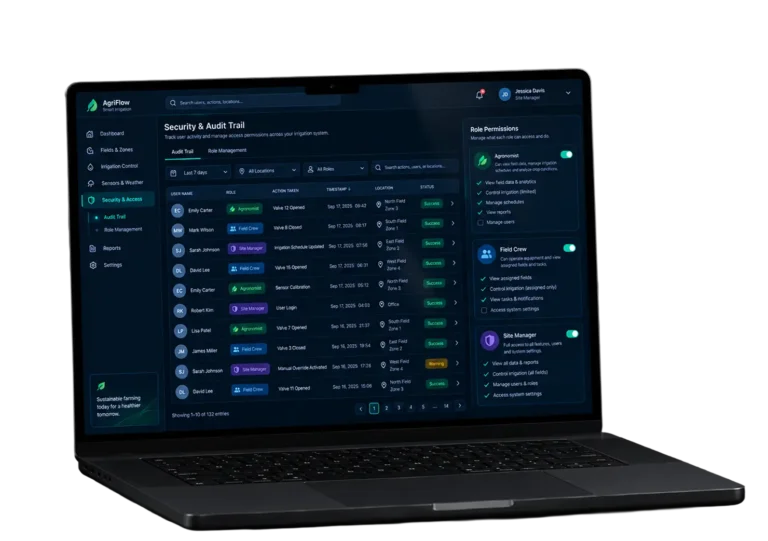
The main pane shows one feed or four, each with its own clock. Every tracked object carries a bounding box in a distinct color with the ID printed above it: id=73 in red, id=74 in green, id=90 in blue, and the color stays with the object as it walks from one view into another. Three user roles, admin, operator, and analyst, share the same screens with different levels of control.
Results
Before
- ✕240 hours of video a day, roughly a tenth of it watched
- ✕People counts by hand twice a day, with ~15% error on busy afternoons
- ✕An open source tracker prototype at 6 FPS, losing objects behind every pillar
- ✕Each feed in its own ID space, so one object became four in the site-wide count
- ✕Three hours of scrubbing per hour of video for incident review
After
- ✔26 FPS per stream on edge hardware, detection to dashboard in 1.2 seconds
- ✔ID switches down from 31 to 4 per 1,000 frames, with 81% IDF1 on the holdout set
- ✔People counts within ±3% of manual counts, refreshed every five seconds
- ✔One global ID across all 10 cameras, trajectories spanning the whole site
- ✔Mask compliance at 96% detection accuracy, reported per zone and per hour
Impact of the Person Tracking System After Deployment
Verified Reviews
Our Reputation on Top Platforms
LITSLINK holds a 4.8 rating on top platforms. Clients writing about our computer vision and machine learning work mention depth in model training and steady communication. Teams adding this capability in-house can hire AI developers through us, and our blog has a primer on how computer vision works.
Have a Computer Vision Project in Mind?
Need object tracking software for a camera network, a retail floor, or a city block? Tell us how many streams you run and what sits at the edge, and our specialist gets back to you within 48 hours. If your stack is Python-based, you can also hire Python developers from our team.
Thank you for your message. It has been sent.