




Building an AI-Based Photo & Video Editing App
- 1st app in its class to ship real-time AI video streaming filters
- 3 platforms shipped: iOS, Android, and web
- 2-click ordering routes the hardest edits to a professional editor
- 40+ AI photo editing tools in the first release gallery
As a photo editing app development company, LITSLINK built an AI photo and video editor that serves both, pairing real-time filters with a marketplace where a human editor finishes the hardest jobs by hand.
Project Details
The client is a US-based distributor of visual-effects and motion-graphics software that spotted a gap in the mobile market. AI-made photo and video content for both everyday users and businesses.


Business Challenge: Building a Market-Leading Photo Editing Application
The photo editing market is crowded. Adobe leads on desktop photo editing software, Google gives away Snapseed on mobile, and the built-in tools inside Instagram and Snapchat cover the basics for casual users out of the box. For a new photo editing app to win downloads and keep them, it has to solve problems the existing tools leave open.
Our client, a US visual-effects and motion-graphics software distributor, saw the gap first. People wanted magazine-grade retouching, illustrations drawn from their own photos, and filters that ran on video, not just on stills. Doing all of that on a phone, in real time, was the hard part.

AI-Powered Real-Time Processing
Applying AI filters to a live video feed is heavy work. Frames arrive every 30 to 40 milliseconds, and users drop a filter the moment it stutters. The app had to run inference on the phone's camera stream fast enough to feel instant.

Cross-Platform Consistency
One edit had to look the same on iOS, on Android platforms, and in the web tool. A filter that shifted color between an iPhone and a Pixel would break trust with users who post the result straight to their social feeds.

Architecture for Rapid Growth
+50k downloads arrived within months of launch. The backend had to soak up sudden traffic and heavy image processing jobs without the editing gallery slowing to a crawl when everyone edited at once.
Technologies Behind the Photo Editing App








Our Photo Editing App Solution With Advanced Features
The build started with one question. How do you make an app that a teenager and a professional photographer both want to open? Those two users pull in opposite directions. One wants a finished picture in a single tap, and the other wants to control the grain.
AI handled the common edits on its own. The hardest effects, though, sat beyond what any on-device model could do at the time. So the intent lived in the app, and the capability lived with human editors. We closed that gap with a marketplace built into the editor.
One React Native codebase covered both iOS and Android, and ReactJS powered the web tool for professional photo editors. The camera and the real-time video pipeline ran through native modules in Swift and Objective-C, where the frame timing had to be exact.
Light edits ran on the phone. Heavier jobs routed to the cloud, where image processing kept pace with demand. On top sat the marketplace layer, connecting a user who wanted a custom result with an editor who could actually deliver it.
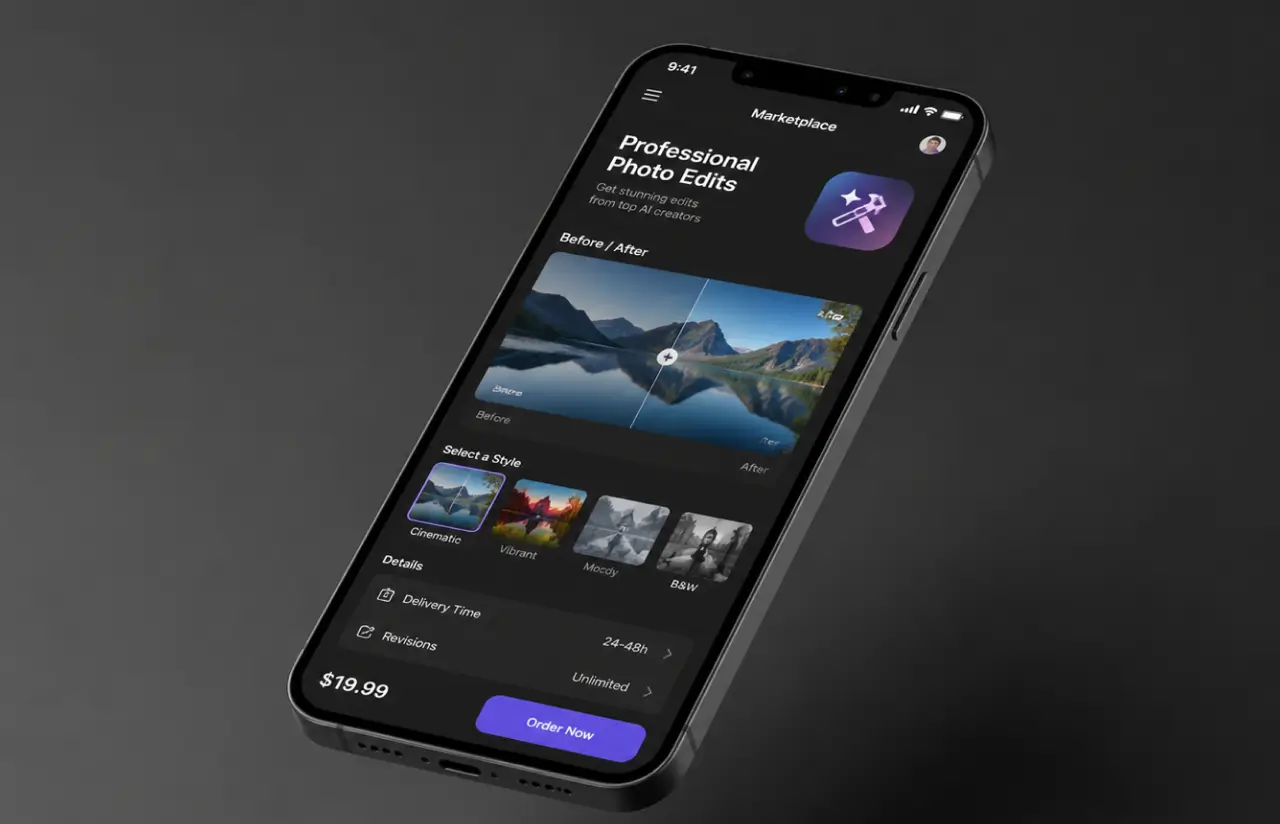
That last piece was the part no template covered. A shop feature inside a photo app, where you order a handcrafted edit in two clicks and a real person delivers it, did not exist yet. So we built it.
Real-time AI video streaming filters
A first of its kind. Filters apply to a live camera feed, not a saved clip, so users see the effect before they hit record. On-device inference keeps the preview smooth even on mid-range phones.
AI photo retouching and enhancement
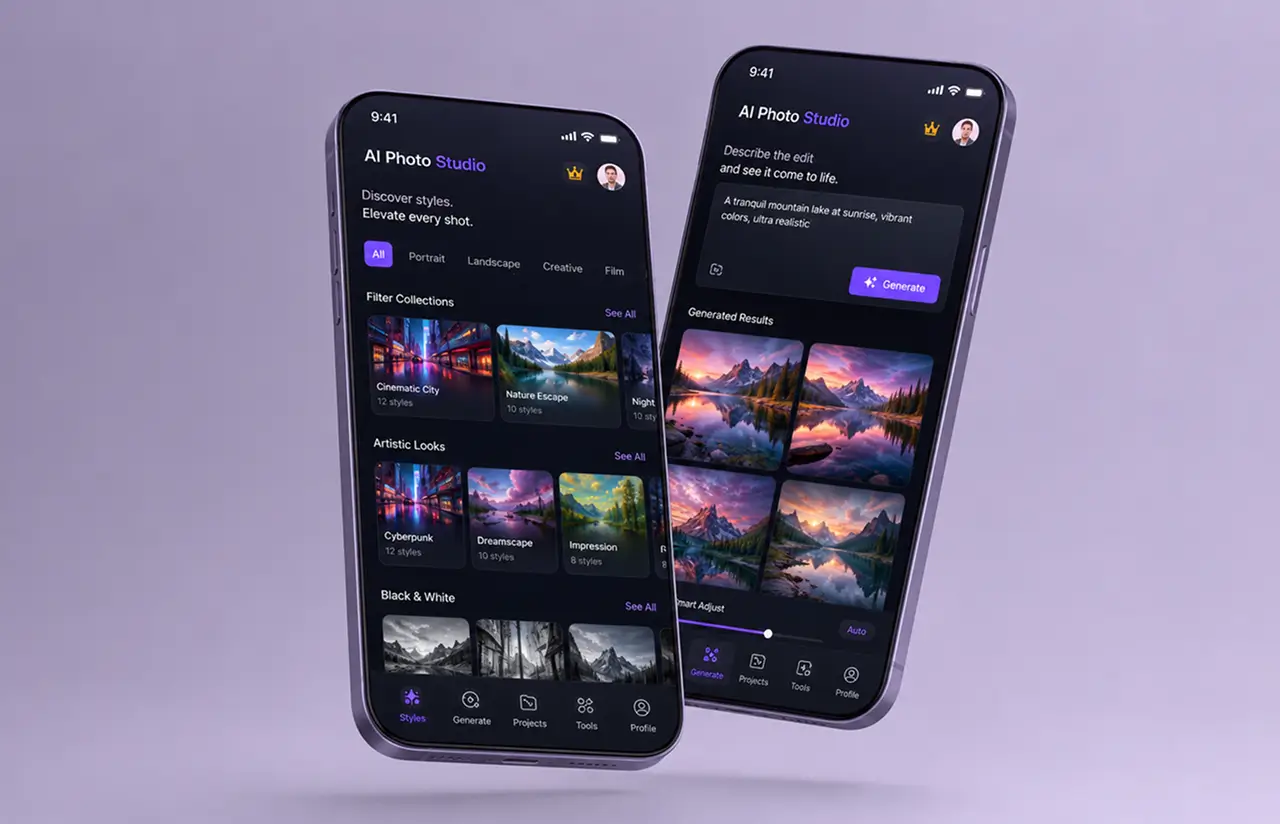
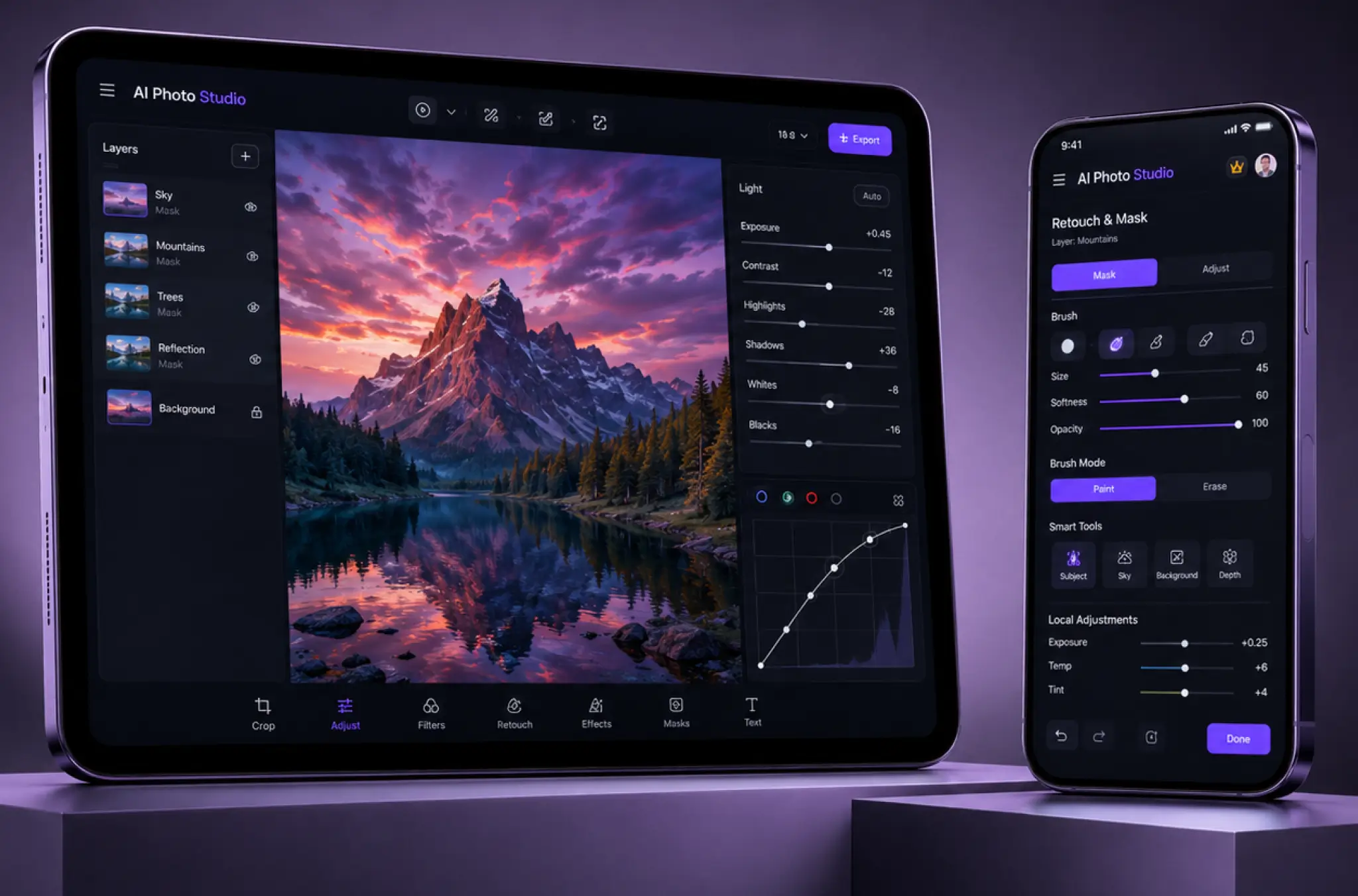
One-tap tools clean up interior and exterior shots, retouch a portrait, or add objects that were never in the frame. Casual users get crystal clear photo effects without ever touching a slider.
Pro-editor marketplace and shop feature
The hardest edits go to a human. Order a handcrafted result in two clicks, and a professional editor delivers it. This shop feature is what sets the app apart from every preset-only photo filter app.
Custom photo effects and filter gallery
A scrolling gallery holds dozens of effects and styles, from a subtle color grade to a full illustration drawn from your photo. Image cropping, enhancement tools, and advanced tools all sit one tap away.
Banner ads and video editing
Turn a product photo into a banner ad inside the app, or trim and style a short clip. Small businesses make marketing visuals and simple video edits without hiring a designer.
In-app purchases and a subscription model
Free to start, with premium features, single-effect purchases, and a subscription tier for heavy users. In-app purchases and in-app advertisements turned everyday user engagement into steady revenue.
Scrum Methodology
Project Journey: Building the Photo & Video App
Work ran in two-week sprints. The early demos surfaced the edge cases fast. Discovery mapped the editing process end-to-end: user registration, the camera and gallery inputs, the on-device filters, the cloud jobs, and the marketplace handoff to a professional editor.
How Our Photo Editing App Works
- A user starts from the phone's camera or picks a shot from the gallery.
- The user browses the gallery and taps an AI filter, a style, or an enhancement tool.
- On-device inference applies the effect to the photo or the live video stream in real time.
- For the hardest jobs, the user sends the image to a professional editor in two clicks.
- The user checks the result, tweaks the settings, or reorders a handcrafted version.
- The finished image or clip saves to the gallery and posts straight to social.
Scrum process flow
Photo and video app development on a real-time AI product needs fast feedback, because a filter that looks great in a mockup can stutter on a real device. Two-week sprints let the client test each effect on actual phones before we built the next one. The camera pipeline and the pro-editor marketplace kept raising questions that only showed up once real photos ran through them.
How our Photo Editing App Development Company Delivered This Project
- We define the project goal together, agree on priority features, and set a realistic delivery date and budget.
- We build a ranked list of everything the product needs, starting with what matters most to the business.
- Work is broken into 2-week cycles. At the start of each, we select the next set of features to deliver.
- The team builds, tests, and integrates features throughout the sprint.
- At the end of every sprint, you see working software and give feedback that shapes the next cycle.
- Each sprint produces a shippable piece of the product. We review what worked, adjust, and move forward.
UI/UX Design: Building an Intuitive Picture Editing App
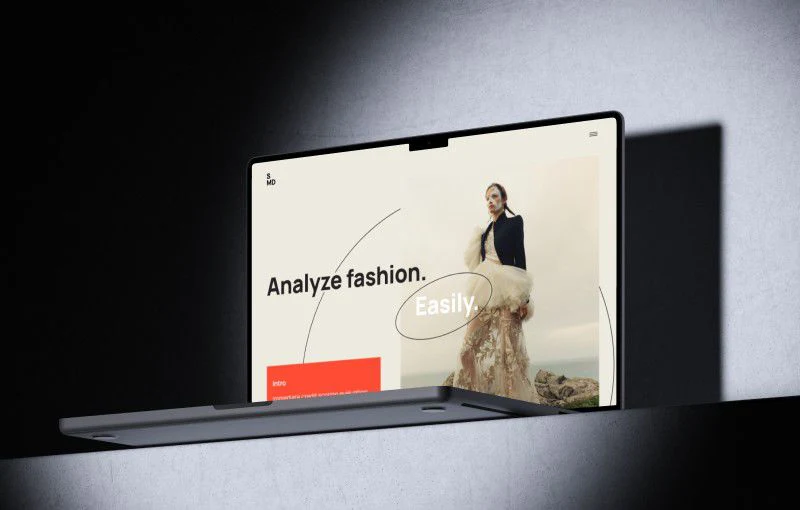
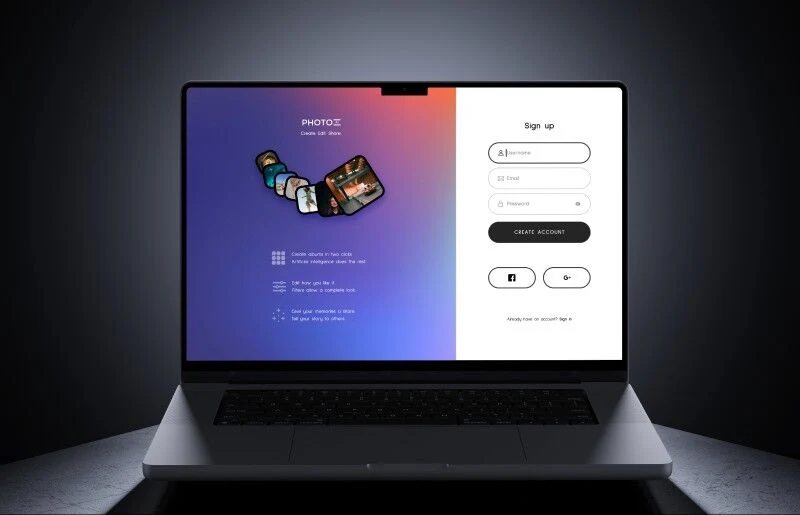
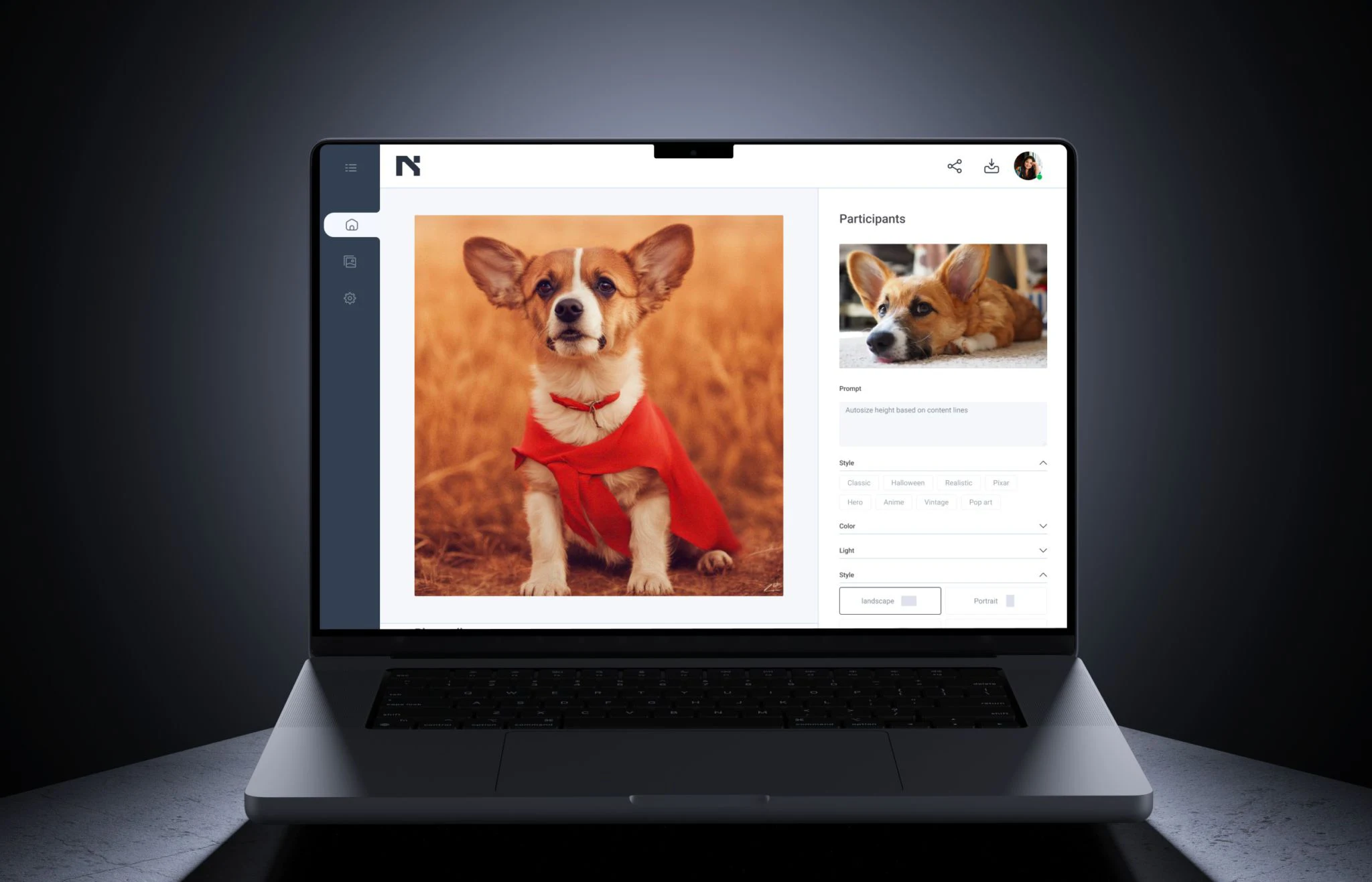
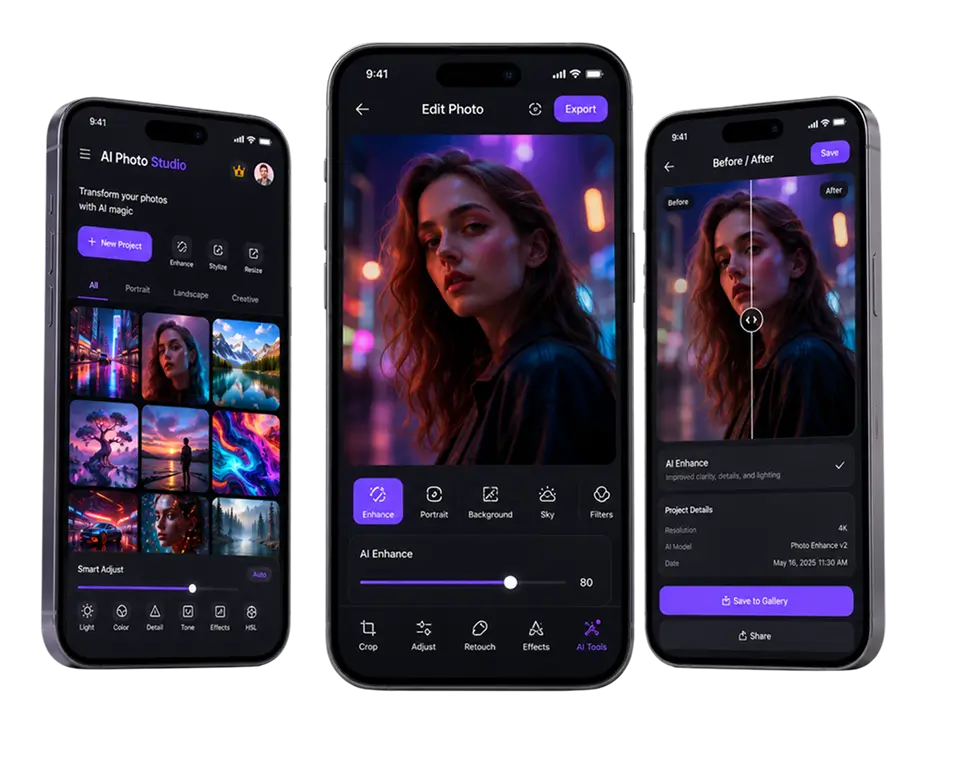
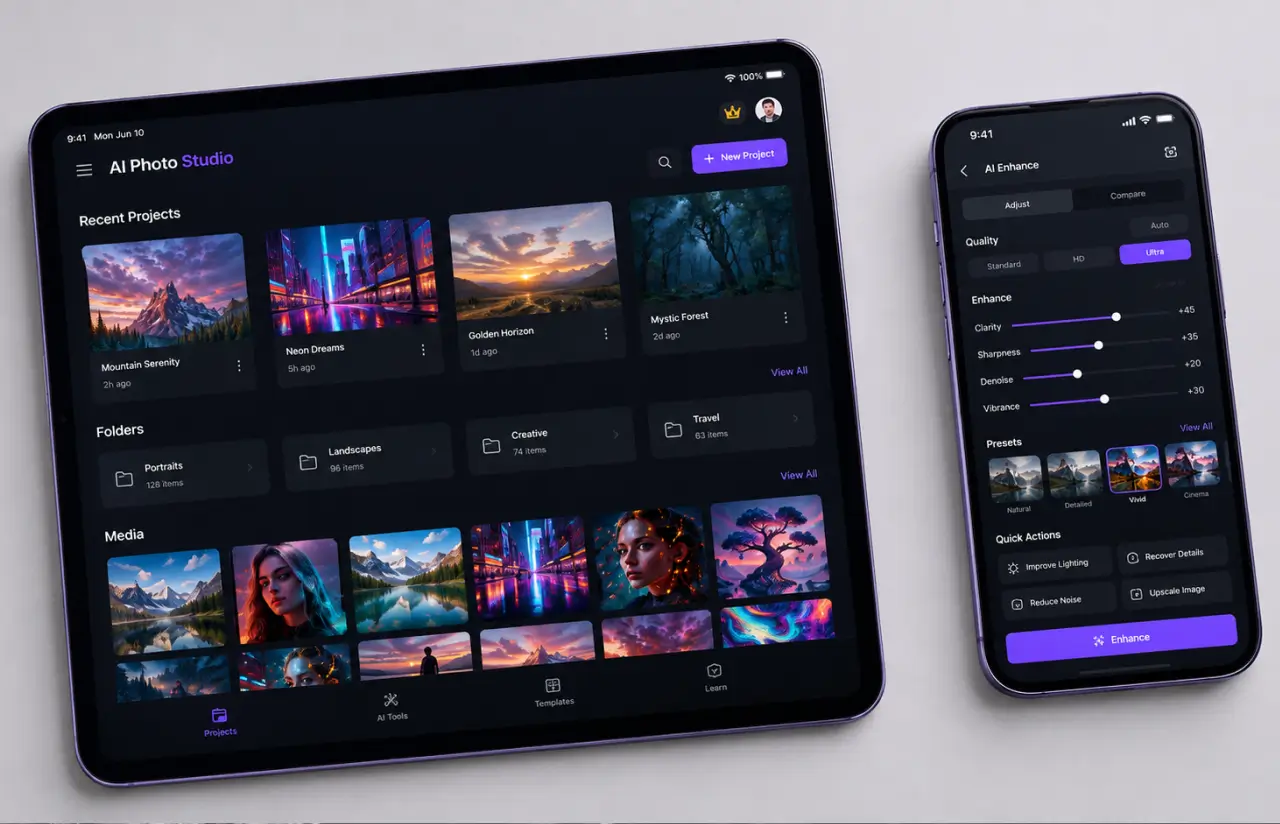
The goal was to shrink the distance between a raw photo and a finished one. Open the app, and the phone’s camera and gallery are right there. Pick an effect, watch it apply live, save. A casual user never has to learn a toolbar.
The brand ran on a warm orange (#E45A24) against black (#000000), which kept the interface bold without fighting the images. Photos are the star here, so the chrome stays dark and quiet around them.
Depth sits one layer down for the people who want it. Professional photographers reach enhancement tools, manual controls, and the order-a-pro-edit card, while everyone else stays on the one-tap path. Same picture editing app, two speeds.
Results
Before
- ✕No single app produced custom, AI-made content for both individuals and businesses.
- ✕Casual users leaned on the built-in Instagram and Snapchat filters, with no real depth.
- ✕Magazine-grade retouching meant desktop software and hours of manual editing.
- ✕Real-time AI video filters did not exist on mobile at all.
- ✕Effects were limited to presets, with no path to a custom, human-made edit.
After
- ✔+50k downloads across iOS and Android soon after launch.
- ✔Real-time AI video streaming filters shipped first, ahead of any competitor.
- ✔40+ effects in the gallery, from a one-tap grade to illustration from a photo.
- ✔Two-click ordering routes the hardest edits to a professional photo editor.
- ✔One app that covers casual users, professional photographers, and small businesses.
Impact of the Photo Editor Application After Launch
Verified Reviews
Our Reputation on Top Platforms
LITSLINK ranks among the top photo and video app development teams on Clutch, GoodFirms, and similar review platforms. Client reviews point to technical depth on real-time AI, steady communication across long engagements, and a development team that ships on its dates. See more of our photo and video work.
Ready to Build Your Photo or Video App?
Looking for a photo editing app development company that can ship AI features, a marketplace, and a clean mobile app in one build? Tell us what you are making, and we will come back within 48 hours with a scope and a number.
Thank you for your message. It has been sent.