





Less than a decade ago, a personal assistant meant someone who could manage your cognitive loads — schedule your calendar, compile your "briefing binder," screen your calls, and keep your inbox clean. Now that role mostly belongs to AI software.
Recent statistics from MarketsandMarkets project that the global AI assistant market will grow from its $3.35 billion value in 2025 to $21.11 billion by 2030 at a CAGR of 44.5%. These numbers highlight a shift in AI use. It's no longer a novelty feature you access inside a single app. Personal AI assistants have become a layer that people use to manage their schedules, conduct research, and execute multi-step workflows in an instant.
With knowledge workers spending 60% of their time on administrative work and an average of 11.7 hours per week on email alone, more people are shifting toward AI assistance. The right AI personal assistant not only speeds up individual tasks but also removes entire categories of repetitive work from your schedule.
In this article, we cover the best AI personal assistant apps available in 2026, highlighting conversational tools, voice assistants, autonomous agents, and other specialized productivity tools that fit in with your work.
Key Takeaways
- AI personal assistants currently fall into four categories: chatbots, voice assistants, single-purpose productivity tools, and autonomous AI agents.
- AI tools can automatically manage your tasks and clear your calendar for more focus time.
- Autonomous AI agents are a distinct class of tool, capable of planning and executing tasks with minimal human input.
What is an AI Personal Assistant and How to Evaluate the Best
A personal AI assistant is software powered by artificial intelligence that understands natural language and helps you manage your daily life, synthesize information, and automate tasks. Therefore, rather than manually filling out forms or navigating menus, the AI handles it.
Personal assistant AI use cases cover a wide range, including calendar management and scheduling, taking and summarizing meeting notes, drafting emails and follow-ups, conducting AI-powered research, and handling multi-step workflows. More advanced autonomous AI agents help field complex requests that normally require you to switch between several apps. This software helps offload your cognitive load, especially for work that doesn't necessarily require your specific judgment.
Not all AI personal assistants work the same — the differences come down to four main categories:
Conversational AI (Chatbots) — These are general-purpose assistants that can handle basic tasks such as AI search, deep research, brainstorming, coding, and writing. You interact with chatbots through either text or voice. So tools such as Claude, Google Gemini, ChatGPT, and Microsoft Copilot fall under conversational AI. Generative AI users can save 5.4% of their work hours each week.
Single-purpose AI tools — These AI personal assistant apps are built, trained, and optimized for specific tasks within a defined domain. This could be handling only task scheduling and time management, as with Motion, or focusing only on AI-powered research that also cites sources, as with Perplexity.
Voice assistants — They are the perfect bridge between chatbots and single-purpose AI tools. Voice assistants are designed for hands-free, device-integrated use. Tools such as Siri, Google Assistant, and Amazon Alexa fit here. They are not built for complex work but are excellent for on-the-go reminders, smart home control, and other quick commands.
Autonomous AI agents — These are the newest AI tools on the market. Unlike other AI assistants that need prompts, autonomous AI agents plan, execute, and adapt across multi-step workflows with minimal human involvement. Autonomous AI Agents are better suited to tasks that require automating entire workflows rather than serving as copilots for individual tasks.
Here is how the tools in this article fit in these categories:
| Conversational AI (Chatbots) | Single-Purpose AI Assistant Apps | Voice Assistants |
|---|---|---|
| ChatGPT | Perplexity | Siri |
| Claude | Motion | Google Assistant |
| Google Gemini | Notion AI | Amazon Alexa |
| Microsoft Copilot |
How We Selected These Tools
We selected our list of the best AI personal assistants based on these key factors: the tool's popularity and real-world adoption, feature depth, user reviews, and adaptability to different workflow needs.
The list covers the full spectrum of productivity needs, from conversational AI to voice assistance and workflow automation. Whether you are a solo freelancer or a business seeking complex AI infrastructure, you'll find a tool that fits your needs.
Best AI Personal Assistant Apps: At a Glance
Now that we have covered the main categories, here's how the best AI personal assistant tools compare across use cases, key applications, and pricing. Also, note that prices change quickly, so it's advisable to always verify the current rates on the provider's official pricing page.
| AI Assistant | Best For | Key Applications | Pricing |
|---|---|---|---|
| ChatGPT | General productivity | Writing, brainstorming, AI research, coding, task assistance, image generation | Free (limited); Go $7/month; Plus $20/month; Pro from $120/month; Business $20/seat/month |
| Claude | Long-form writing and document analysis | Content creation, document analysis, coding, and complex reasoning | Free Plan (Sonnet); Pro $20/month; Max $100-$200/month |
| Google Gemini | Google Workspace users | Gmail, Docs, Calendar assistance, multimodal AI, research | Free; AI Plus ($4.99/month); AI Pro ($19.99/month); AI Ultra ($99.99-$200/month) |
| Microsoft Copilot | Microsoft 365 productivity | Word, Excel, Outlook, Teams, business document workflows | Free (via Edge/Bing);Microsoft 365 Personal $9.99/month; Microsoft 365 Premium $19.99/month |
| Perplexity | AI-powered search and research | Market research, fact-checking, web search, and source-cited answers | Free (Limited Pro searches); Pro $20/month; Max $200/month |
| Motion | Smart scheduling and task management | Calendar events management, automatic task rescheduling, project planning, and protecting focus time | Pro AI from $29/month for professionals and small teams; Business AI plan $39/month; 7-day trial |
| Notion AI | Knowledge management and collaboration | Note-taking, document drafting, meeting summaries, workspace organization, and AI agents | Free (basic with limited AI trial); Plus $12/month; Business $24/month |
| Siri | Apple users | Voice commands, reminders, navigation, smart home control, hands-free task management | Free (built into Apple devices) |
| Google Assistant | Android & Google devices | Voice search, smart home control, reminders, calendar management, navigation | Free (built into Android and Google devices) |
| Amazon Alexa | Smart home automation | Voice commands, home automation, shopping, music streaming | Free (requires Amazon or compatible device) |
The standard-tier pricing has converged sharply — major conversational AI platforms all sit at around $20 per month with similar feature sets. The real differentiation shows up at premium tiers.
On the other hand, voice assistants (Siri, Google Assistant, Alexa) are free by design. Their value comes from device integration rather than subscription revenue.
Best AI Personal Assistant Apps Reviewed
ChatGPT
ChatGPT is the tool that brought personal AI assistants into the mainstream and sparked the current wave of AI adoption. Developed by OpenAI, ChatGPT is one of the strongest general-purpose apps in 2026. That said, OpenAI recently launched the GPT-5.5, which evolved the tool from a smart chatbot to an agent that can take multi-step actions without losing the thread.
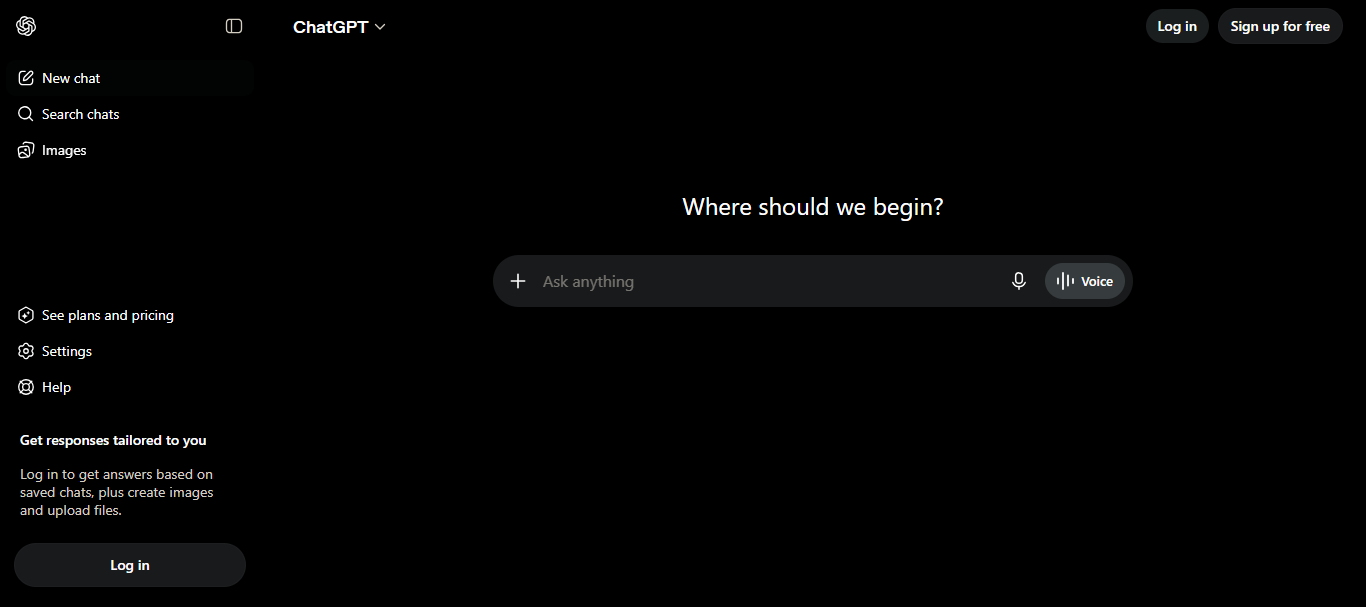
It delivers near-instant responses across writing and editing, code generation, research, brainstorming, creative tasks, and translation. Currently, GPT-5.5 Instant is the default model for anyone accessing ChatGPT. It has a more conversational tone and can refer to previously shared contexts within a session or thread.
Key features and integrations: ChatGPT's major features include real-time web search results and DALL-E-powered image generation. It has also integrated Zapier for workflow automation. The 2026 GPT-5.5 release gives context into conversation by integrating a persistent File Library into the model. They also added a Shopping feature that allows users to compare products across Amazon, Best Buy, Walmart, and Target.
ChatGPT has the broadest capabilities of any AI personal assistant and a strong voice mode for hands-free use. It is also now capable of completing multi-step tasks. However, its Free and Go tiers now have ads in the US and have been found to be inconsistent on niche topics.
ChatGPT currently has 5 price tiers. The free tier ($0), Go ($7/month), Plus ($20/month), Pro (from $120/month), and Business ($20/user/month). The Free and Go tiers are now more restricted than ever and show ads in the US. The Plus plan removes the ads and unlocks the full GPT experience with expanded deep research and a Codex coding agent. The Pro plans maximize the Plus features with 5x or 20x more usage and early access to experimental features.
Claude
Claude has built a strong reputation as one of the best AI personal assistants for serious researchers and analysts looking to handle complex, high-volume work within a specified context. Developed by Anthropic, Claude can analyze large documents beyond other AI's typical limits, making it ideal for reviewing lengthy contracts, synthesizing research reports, and creating complex codebases within the context window.
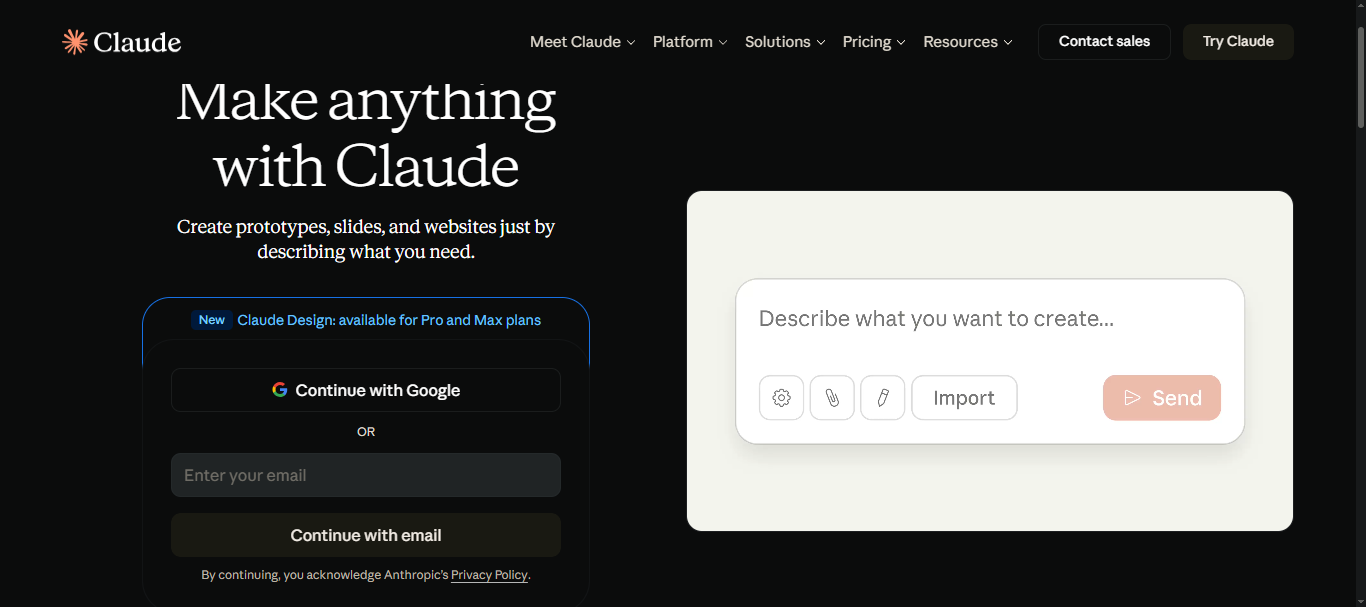
Key features and integrations: Claude has made major integrations within the Google ecosystem. The tool has also incorporated a connector directory with over 200 integrations to consumer apps such as Audible, Instacart, Tripadvisor, and Uber. Anthropic also built the Claude Cowork app, which allows non-technical users, such as marketing, legal, and finance, to access the tool's autonomous, multi-step agent mode on macOS and Windows.
Claude's 200K-token context window allows it to analyze large documents in a single session without losing coherence. It also has strong coding and reasoning capabilities. It lacks a native image generation engine, and its pricing plans are quite steep for casual users.
Claude's 2026 price plans are tailored around how much data the user wants to process. The free tier (Sonnet 4.6 and Haiku 4.5) is less suited to users looking for casual, quick-fire tasks, since it's limited to about 30-100 messages/day. Its Pro plan, at $20/month (Opus 4.8), is ideal for busy professionals looking to use Extended Thinking mode. It also has the Max plan ($100-$200/month) and Teams and Enterprise tiers, which offer higher output limits and priority access for heavy users.
Google Gemini
Google Gemini is an ideal AI tool for users already working within Google's workspace. Gemini's AI capabilities enable writing, research, brainstorming, document creation, and handling multimodal inputs. Its core advantage lies in its deep integration with everyday tools such as Gmail, Google Docs, and Google Calendar.
Key features and integrations: Gemini's latest 2026 updates let users generate files in Gemini, converting conversational prompts into formatted Google Docs, PDFs, Sheets, and Slides. The AI personal assistant is also previewing a new Workspace MCP Server that allows developers to synthesize Drive documents and draft Gmail responses into their AI apps and agents.
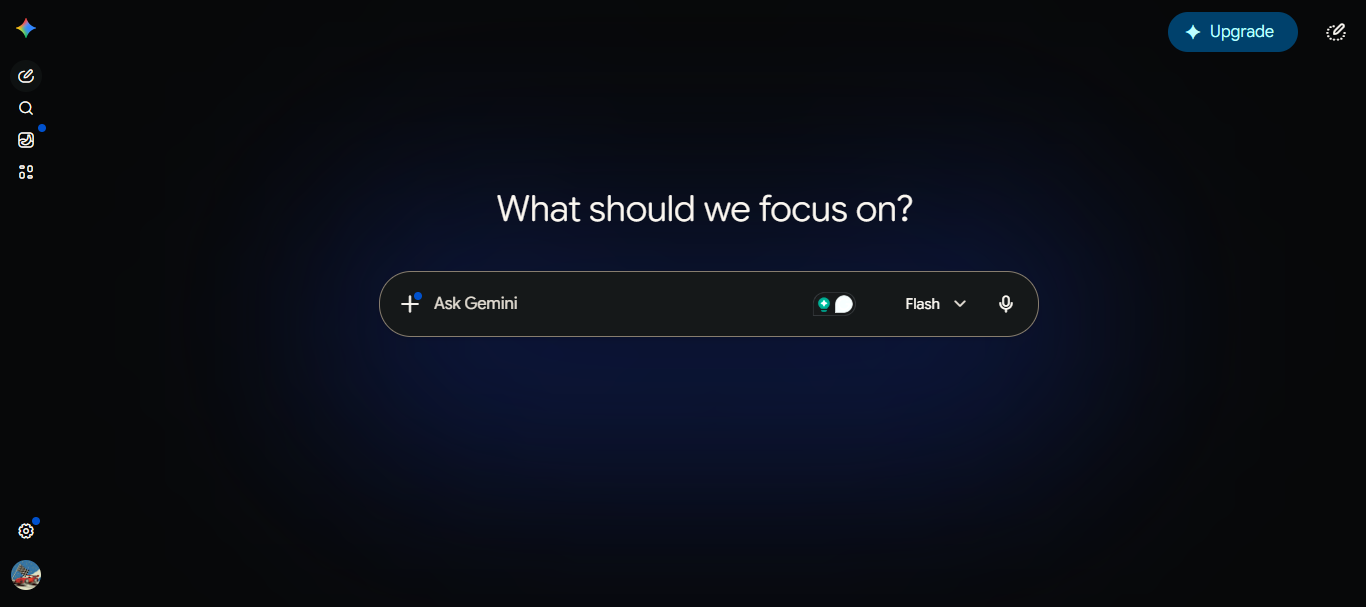
Gemini's deep native integration within Google Workspace is unmatched among other AI personal assistants. It also has strong multimodal capabilities for text, image, and voice generation. However, the tool is quite limited beyond the Google ecosystem. Besides, users need a paid Google AI Pro/Ultra plan for full workspace integration.
Gemini has a free plan (access to Flash 3.5), AI Plus ($4.99/month), AI Pro ($19.99/month), and AI Ultra ($99.99-$200/month). The free tier offers access to basic image generation and NotebookLM, while the Pro plans offer deep research and integration into workspace apps, making it a sweet spot for professionals and creators.
Perplexity
Perplexity is built specifically as an AI assistant for finding accurately sourced answers, compared to traditional search engines. Since it generates answers with inline citations, the tool is a great assistant for analysts and journalists looking to verify market analyses and learn about complex topics.
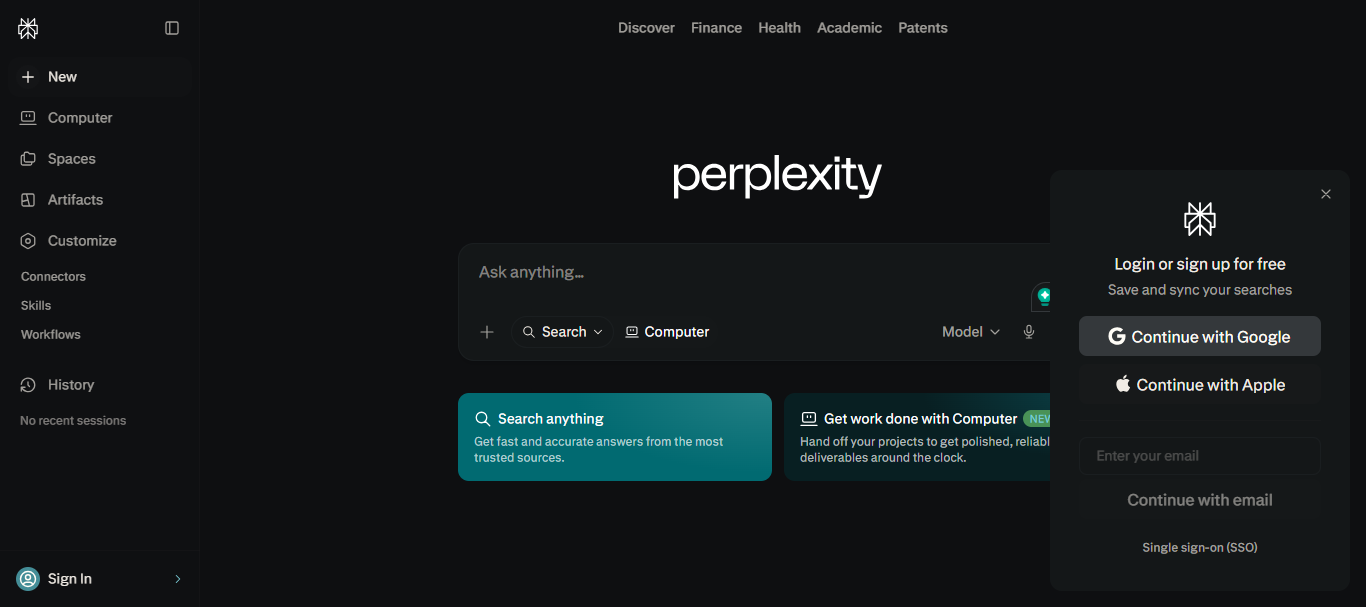
Key features and integrations: Perplexity is usable with most freemium AI products. Its Pro tier gives users access to GPT-5.5, Claude Sonnet 4.6, Claude Opus 4.8, and Gemini 3.1 Pro. Besides, its Perplexity Computer feature lets users work across 19 AI models, making it one of the best autonomous AI research tools today. The tool has also integrated a free AI-native browser, the Comet browser, into its ecosystem — it has a built-in agentic search and page summarization.
This AI assistant's cited, sourced answers and model-switching feature have made it the go-to tool for research and fact-checking. Since it's a specialist tool, you'll need another generalist AI tool if you also need writing assistance or coding support.
In 2026, Perplexity has 3 pricing tiers. A free plan that allows 5 Pro searches daily; the Pro ($20/month) allows unlimited Pro searches; the Max tier ($200/month) is ideal for power users. It also has a plan for organizations: Enterprise Pro ($40/user/month) and Max ($325/user/month)
Microsoft Copilot
Similar to Gemini's integration with Google Workspace, Microsoft Copilot is an AI personal assistant built directly into the Microsoft 365 ecosystem. Copilot operates within a user's workflow in Word, Excel, PowerPoint, Outlook, and Teams. Therefore, it mainly helps in streamlining everyday work within Microsoft 365. From writing documents in Word to building formulas and charts in Excel to capturing notes in Teams without the need for context switching.
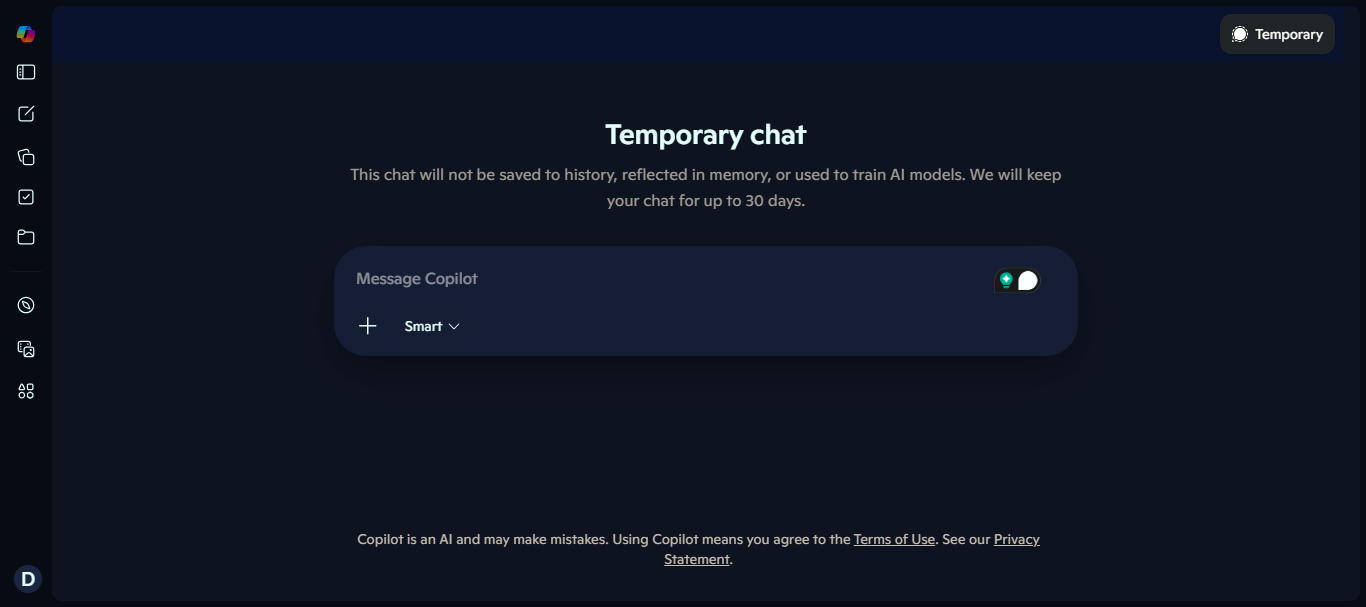
Key features and integrations: Since Copilot integrates seamlessly into the Microsoft 365 suite, it also connects with Power Automate for workflow automation. It has also expanded its advanced work scenarios by integrating with Claude Opus 4.8. This has allowed users to work on complex, multi-step tasks and long-running workflows easily.
This AI assistant's strongest asset is its integration into existing workflows while maintaining enterprise-grade security. This redesigned in-app experience has seen Copilot users save an average of 26 minutes/day on routine tasks. It's no surprise 42% of executives cite routine administrative tasks as productivity blockers.
Its major limitations lie in cost and dependence. As of 2026, you'll need both a Microsoft 365 Suite and a Copilot subscription to get its full value.
Copilot pricing tiers are tied directly to the Microsoft 365 ecosystem. The free tier is a lean, web-focused chat tool for researching and basic document analysis. M365 Personal ($9.99/month) adds a monthly Copilot quota within the workspace, and M365 Family ($12.99/month) extends it to the household. M365 Premium ($19.99/month) is designed for power users and developers who want higher limits for Copilot and image generation. The business and enterprise plans are $21/user/month and $30/user/month, respectively.
Motion
Motion stands out among the AI tools on this list as an AI scheduling assistant for your workday. It is not a conversational tool or one that will write your emails or answer questions. Motion takes up everything on your plate — from task lists, projects, meetings, and deadlines — and automatically rebuilds a schedule that gives you your most productive day.
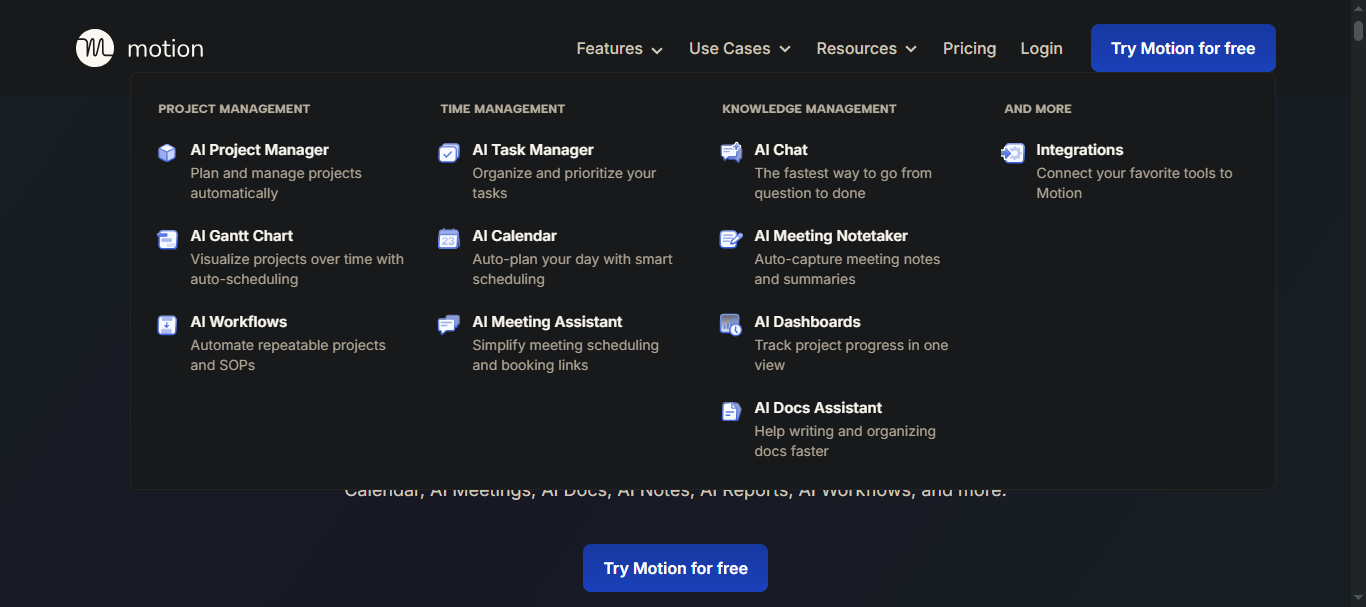
Key features and integration: Motion has evolved in recent years to integrate with Google Calendar and Outlook, enabling it to protect your focus time automatically. Its AI engine also integrates with Slack and native email platforms to convert communication into scheduled tasks. The integration with Siri also allows on-the-go task creation for iOS users.
Recently, Motion has also incorporated the "AI Employee SuperApp," which adds prebuilt AI agents and a Workflow Builder into its ecosystem. The AI personal assistant will allow teams to automate entire business processes. The standout benefit is that Motion removes the mental load of scheduling your day. However, the initial Motion setup can be a bit complicated and demanding, as it requires a 2-4-week onboarding period due to its steep learning curve.
As of 2026, Motion doesn't have a free plan. It has a Pro AI plan for professionals and small teams ($29/month) and a Business AI plan ($39/month). They also offer a 7-day free trial before you are billed monthly.
Notion AI
Notion AI is an AI-powered assistant built within Notion, a collaborative workspace. The tool transforms how your team quickly writes and edits documents in the Notion editor, transcribes and summarizes meeting notes, and generates content in your workspace. Notion AI also runs multi-step automated workflows on the platform without requiring an additional AI tool.
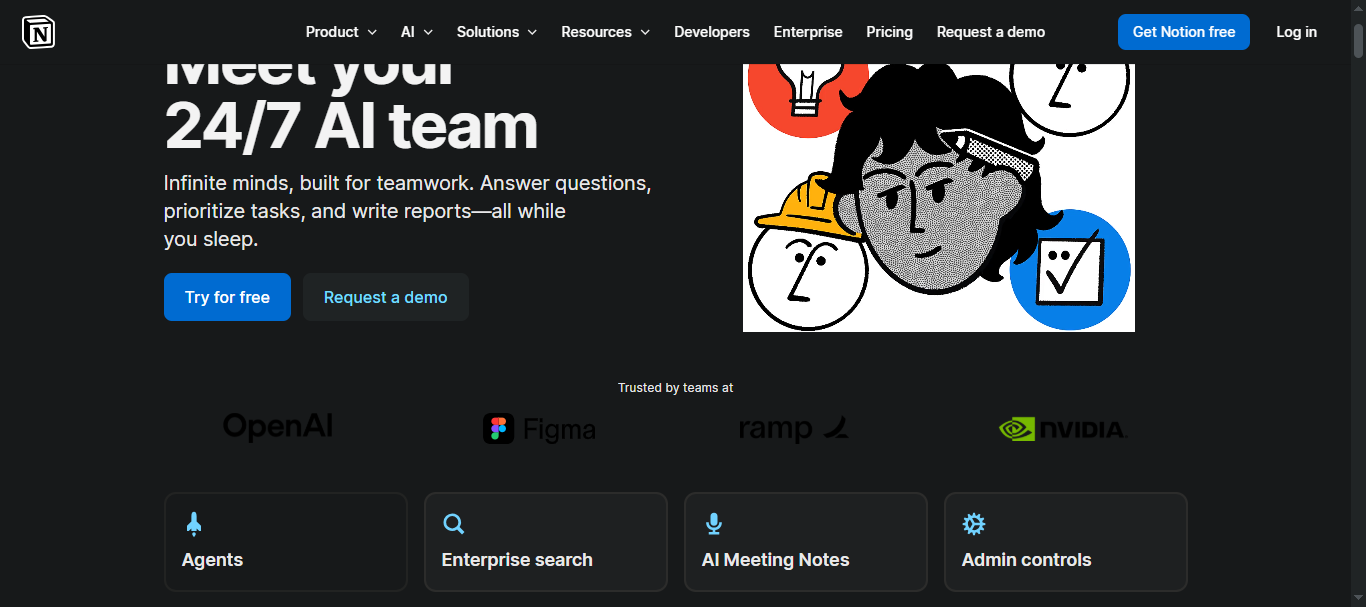
Key features and integrations: In 2026, Notion AI has transformed Notion into an agent that works autonomously for up to 20 minutes across multiple pages within a workspace. The tool runs on a model-agnostic architecture that allows users to switch seamlessly from Claude Opus 4.8 and Gemini 3.1 to GPT-5.5 without losing context. It has also integrated Enterprise Search that connects it to Slack and GitHub, allowing users to draw from their full tool stack and create autonomous background workflows.
Notion AI is ideal for knowledge-heavy teams looking to achieve meaningful productivity gains. Remote.com recently reported that its IT team saves about 20 hours/week after incorporating Notion Agent. This AI assistant's only major flaw is that it offers no value outside the Notion ecosystem.
Notion AI price plans are integrated into the core Notion workspace. The free plan and the Plus plan ($12/month) include only a limited AI trial, while full Notion AI — including Notion Agent and Enterprise Search — is bundled into the Business plan ($24/month) and the Enterprise plan.
Siri
For so long, since its launch on Apple devices in 2011, Siri has been an iOS AI personal assistant that few users really used. It handled alarms, timers, and weather, but fell short as a conversational AI tool — especially given the expectations set by ChatGPT and Gemini. Apple collaborated with Google to announce Siri AI at WWDC 2026, an Apple Intelligence-powered tool that operates within iOS and that accesses Messages, Mail, and on-screen content in real time.
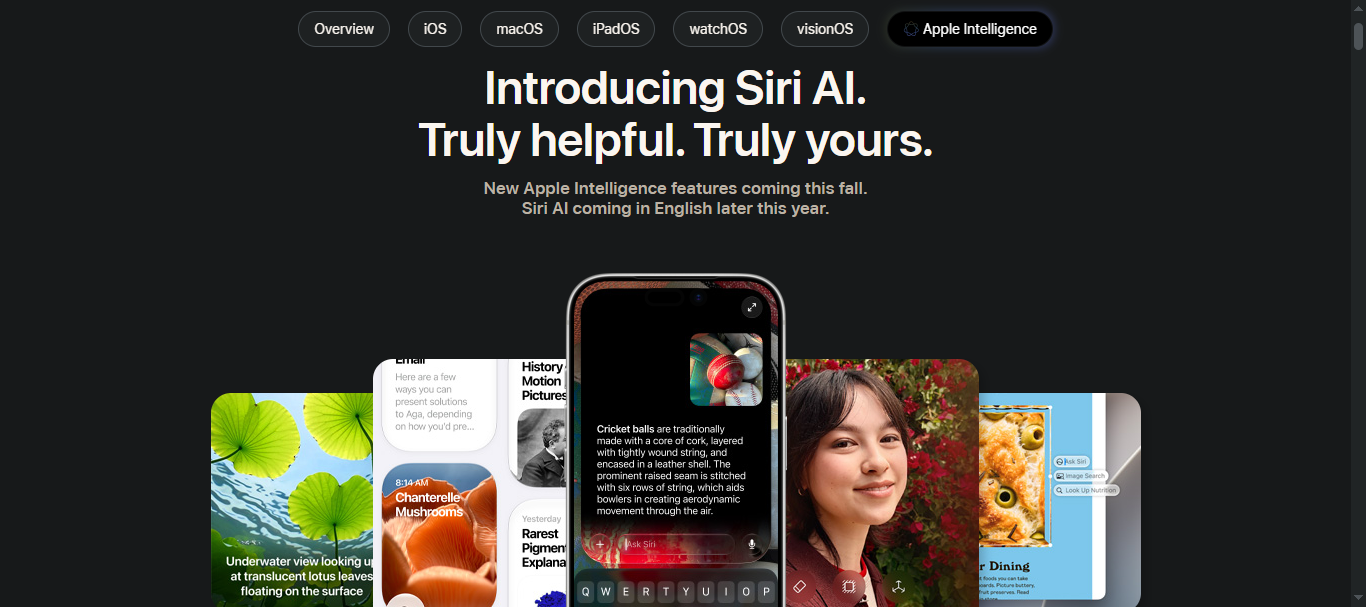
Key features and integrations: The new Siri AI integrates with all iOS apps, enabling users to manage tasks hands-free with voice commands. Its Visual Intelligence integration now lets users point their camera at any object or scene and ask Siri questions directly in the Camera app, without switching apps.
Siri's biggest advantage is its privacy architecture, which is significantly more secure than that of other cloud-dependent AI personal assistants. Its main limitation is the ecosystem lock-in. As of 2026, only Apple users can access Siri.
Siri is free for all compatible Apple devices.
Google Assistant
Google Assistant has been the default voice assistant on Android devices and smart home products since its launch in 2016. While this run is ending, especially with the emergence of Gemini, millions of users still have Android devices and smart home setups running on Google Assistant.
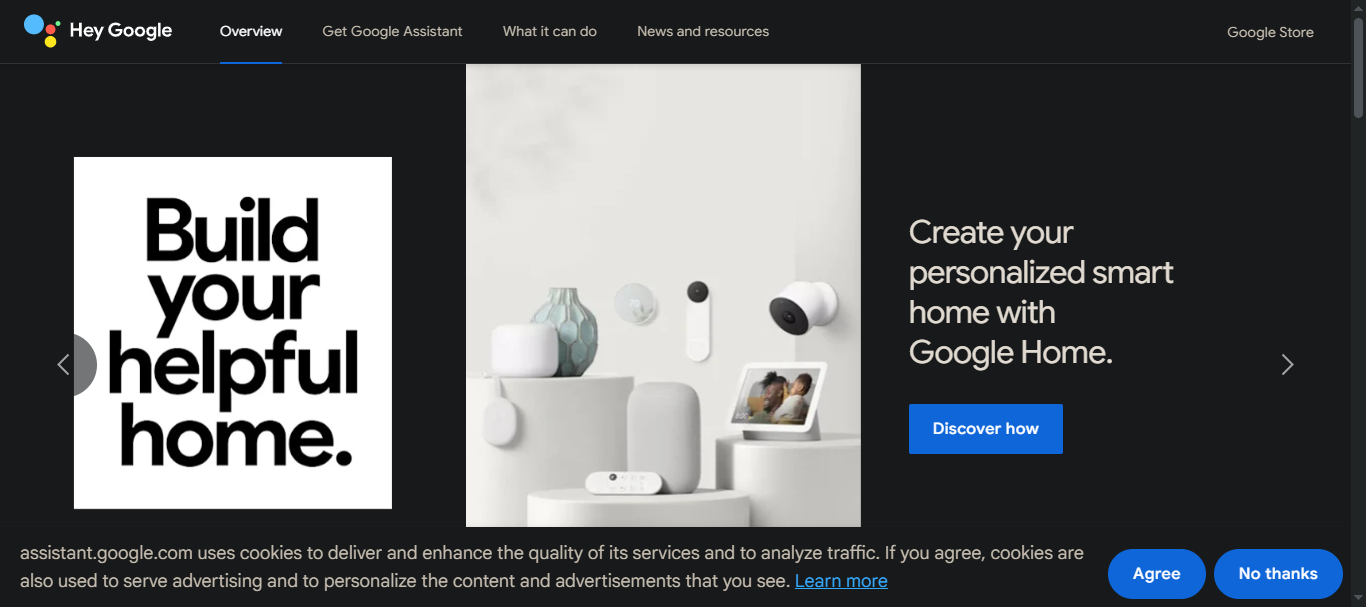
Key features and integrations: Google Assistant is integrated with Google Calendar, Maps, Google Home, Nest devices, Gmail, and other 3rd-party smart home devices. In 2026, its core uses include setting reminders, making calls, playing music in the background, and integrating with Google Calendar and Gmail.
Its main strength is that it is designed to work particularly well in smart home environments and in handling hands-free queries on Android devices. This AI assistant's major limitation is that Google is winding it down to allow the migration to Gemini.
Google Assistant is free and is built into Android devices.
Amazon Alexa
Amazon Alexa has been the dominant AI-powered voice assistant for smart home devices and Echo smart speakers since 2014. The tool is used for voice commands and controlling compatible devices and smart home automation. Like Google Assistant and Siri, newer conversational AI assistants are rendering Alexa almost redundant. Amazon recently partnered with Claude from Anthropic to roll out Alexa+, a model-agnostic AI assistant capable of handling multi-step tasks.
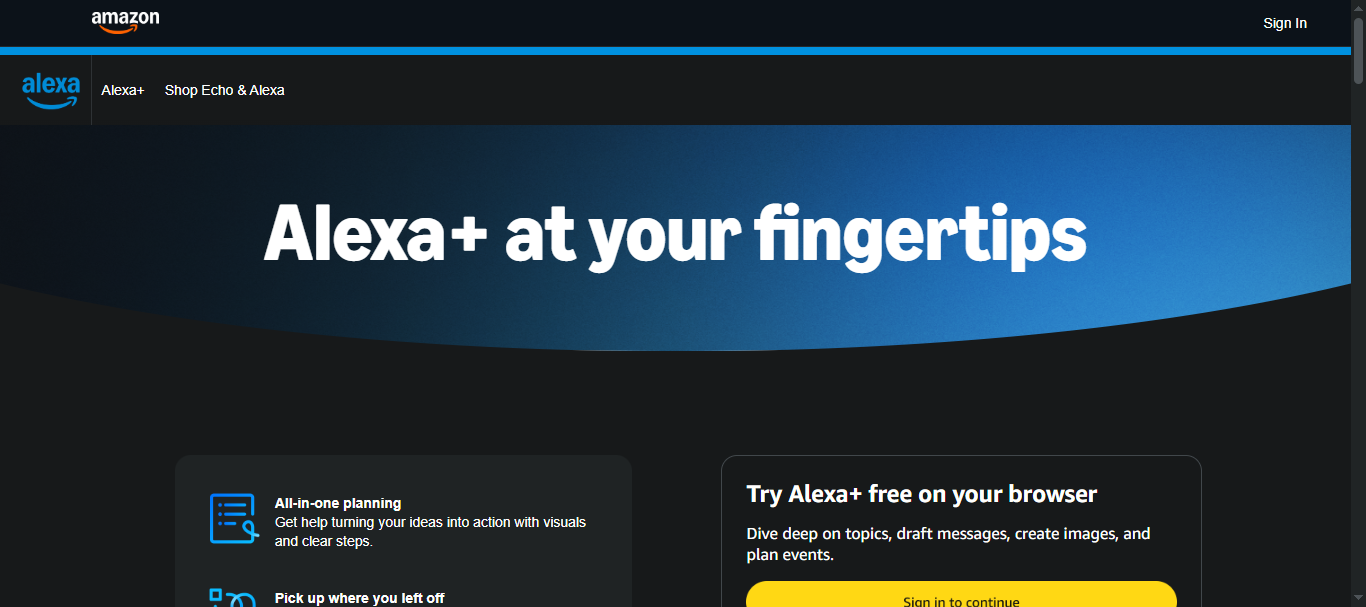
Key features and integrations: In 2026, Alexa+ was unified with Amazon's Rufus shopping chatbot, allowing users to research products, set price alerts, and make purchases in the Amazon app and on Echo devices via shared memory. The tool also integrates with Angi, Expedia, and Ticketmaster via the Alexa+ Store. Alexa integration with Ring camera also adds to home security features.
Alexa is a strong AI assistant for households embedded in the Amazon ecosystem; however, its limitation is that it is more home-oriented and not a professional productivity tool like Copilot or Motion.
Amazon Alexa is free for Amazon Prime members but costs $19.99/month for non-Prime users.
Build Custom AI Agents With LITSLINK

From conversational AI to single-purpose AI personal assistants, the tools we've reviewed cover most use cases well. However, these off-the-shelf AI personal assistant apps are not built for your specific workflows or how your team works. This is where LITSLINK comes in — building custom AI agents.
LITSLINK has 300+ experienced engineers who design custom AI assistants and autonomous AI agents that integrate seamlessly with your individual and organizational workflows. Whether you need an AI assistant that manages complex multi-step internal workflows or that automates client onboarding, LITSLINK builds it expertly to fit your context.
With LITSLINK, you get an AI-powered productivity system that bridges the gap between what most AI tools offer and what your business actually needs. Developers help you eliminate repetitive task categories, saving your team valuable focus time and improving efficiency.
If you want to move beyond off-the-shelf AI tools and build something unique to your workflow, contact LITSLINK today to receive guidance on your custom AI assistant project.
Is a Free AI Assistant Enough?
For basic tasks, yes. Even the best AI personal assistants offer capable free tiers; tools such as ChatGPT, Claude, and Perplexity are usable for everyday writing and research at no cost. However, you'll need paid plans for deeper integrations and multi-step workflows.
Which AI Assistant is the Best for Calendar Management?
Motion is the best AI personal assistant for calendar and time management. The tool manages your calendar in real time, automatically rebuilding your daily plan as your priorities shift.
Which AI Personal Assistant Is Best for Google Workspace Users and Offers Google Workspace Integration?
Google Gemini is a clear choice for Google Workspace users since it integrates seamlessly with Gmail, Google Docs, Sheets, Slides, and Drive better than any other AI assistant.
Which AI Personal Assistants are Best for Protecting Focus Time?
Motion stands out as the best AI personal assistant app for users who struggle to protect deep work time against a constantly shifting calendar.
Why Do I Need an Autonomous AI Agent If I Have ChatGPT?
ChatGPT is a conversational assistant that responds to prompts and helps you draft content. However, autonomous AI agents work differently. They plan, execute, and manage multi-step workflows independently, without needing prompts.