







An assistant can write a convincing answer and still leave you with most of the work: checking its sources, finding the right document, or adapting the result to your company’s style. Those practical details matter when you choose an AI tool.
We recommend starting with a task you repeat every week. Try the same task in two or three tools, then compare the accuracy, editing time and steps needed to reach a useful result.
This guide compares nine AI alternatives to ChatGPT by workflow, model access and cost. It includes general-purpose assistants and specialist research and marketing tools, so you can see where each might fit.
Why Look For Better Alternatives to ChatGPT?
ChatGPT can handle writing, research, coding and file analysis. An alternative may still suit your work better if it offers a more convenient integration, a dedicated review workflow or a pricing plan that matches your usage.
The reasons to switch are usually practical. Consider what slows you down in your current setup:
Here is where users run into trouble:
- Research workflows may need easier source tracing and comparison.
- Marketing teams may want shared brand guidelines and campaign templates.
- Microsoft and Google users may prefer assistance inside their existing apps.
- Literature reviews may need structured screening and extraction from papers.
- Organizations may require specific data controls, retention settings or contractual terms.
The tools below address different parts of this list. Check the relevant plan’s features and data terms; a product’s inclusion here does not mean that it meets every organization’s requirements.
Pricing and model access checked on November 3, 2026. Prices are in USD and refer to US web subscriptions where available. Annual-billing equivalents are labeled; taxes, regional prices and promotions may differ. API charges are separate from consumer subscriptions unless explicitly included. The task recommendations below are editorial judgments, not results from a controlled benchmark.
ChatGPT vs Alternatives: Summary Comparison
Use this table to compare entry costs and workflows. Model availability depends on the plan, account and product surface; the profiles explain important distinctions.
| Tool | Model access | Free plan | Entry paid plan | App availability | Suggested use |
|---|---|---|---|---|---|
| ChatGPT | GPT-6 family (Astra, Sol, Luna) | Yes | Go $8/mo, Plus $20/mo | Web, iOS, Android, Mac, Windows | General-purpose work |
| Claude | Sonnet, Opus, Fable; plan-dependent | Yes | Pro: $20/month or $200/year | Web, iOS, Android, Mac, Windows | Long documents, analysis, coding |
| Google Gemini | Flash-Lite, Flash, Pro; Gemini 4 Argon on Pro/Ultra | Yes, with limits | AI Plus: $4.99/month | Web, iOS, Android, in Workspace apps | Google Workspace integration |
| Perplexity | Routes across GPT, Claude, Gemini | Yes | Pro, $20/mo or $200/yr | Web, iOS, Android, Mac, Windows | Cited research and sourced answers |
| Microsoft Copilot | Model selection varies by feature and plan | Yes, limited | M365 Personal: $9.99/month | Web, iOS, Android, Windows, in Microsoft 365 apps | Microsoft 365 workflows |
| Jasper | Multiple frontier models | No, 7-day trial | Pro: $69/month or $59/month billed annually | Web, browser extension | Brand voice and marketing campaigns |
| Writesonic | Multiple | Trial | Starter: $79/month billed annually | Web | AI search visibility and SEO |
| Elicit | Research-focused system; models vary | Yes, Basic | Plus from $11/mo academic, annual billing | Web | Academic literature review |
| Rytr | Underlying models not specified by plan | Yes | Lite: $9/month; yearly billing saves 20% | Web, browser extension | Short-form copy on a budget |
| DeepSeek | V4-Pro and V4.1-Flash | Yes, subject to availability | No paid consumer tier | Web, iOS, Android; separate self-hosting option | A capable assistant at no cost |
Compare like-for-like costs: annual subscriptions require an upfront commitment, business add-ons may require another license, and a free trial is different from a permanent free plan.
What Are the Best Free ChatGPT Alternatives in 2026?
Seven tools in this guide offer ongoing free access: Claude, Gemini, Perplexity, Microsoft Copilot, Elicit, Rytr and DeepSeek. Jasper and Writesonic offer trials. The right free option depends on the task and the limits you can work within.
For everyday writing and questions, try Claude, Gemini, Copilot or DeepSeek. Claude applies five-hour and weekly usage limits. Gemini’s free plan lists Flash-Lite access. DeepSeek offers a free consumer app without a paid consumer subscription, but free access does not guarantee unlimited usage or availability.
For research, Perplexity offers basic searches and limited Pro Search access, while Elicit Basic supports paper search, summaries and chat with full-text papers. Rytr Free includes 10,000 characters per month for writing, along with limited communication features.
Start with the free tier on a real task before committing to a subscription. Check whether you need more usage, a particular model, document exports or in-app integrations; these benefits differ by product and plan.
1. Claude: Best for Long Documents and Analysis
Creator: Anthropic
Model access: Sonnet and Haiku on Free; additional models on paid plans
Higher-capability options: Opus 5.5 for coding and knowledge work; Fable 5.1 for demanding reasoning and longer agent tasks
Web search: Available
Claude is an AI assistant for analysis, writing and code. It can work with long documents and detailed instructions, making it a useful option for tasks such as comparing reports or revising a document against a brief. Important findings still need checking against the source.
Claude Code extends this work into the terminal and supported editors. It can help inspect a codebase and make changes across files; developers still need to review the changes and run appropriate tests.
A useful trial is to give Claude a document and a precise set of editing rules. Check whether it follows every rule, preserves the original meaning and identifies uncertainty instead of filling gaps.
Main Features
Long context. Work with lengthy inputs within the selected model’s context window; capacity does not guarantee perfect recall or analysis.
Web search. Claude can search the web and cite what it finds, so answers are not limited to training data.
Projects and files. Upload material for analysis and organize ongoing work in Projects on eligible plans.
Developer tools. Claude Code for terminal and editor work, plus an API for building on the model directly.
Pros and Cons
| + Pros | – Cons |
|---|---|
| Strong on long documents and analysis | Image generation not included |
| Accurate instruction following | Usage limits on lower tiers |
| Web search with citations | App and connector availability varies |
| Coding and developer tooling | |
| Individual and organizational plans available |
Subscription Plans
| Free | Pro | Max | Ultra |
|---|---|---|---|
| $0 | $20/month or $200/year | $100/month | $200/month |
Max costs $100/month; Ultra costs $200/month and replaces the former Max 20x plan. Fable access and usage allowances differ by tier. Team and Enterprise plans are available separately. See Claude’s official pricing and Ultra plan details.
Who Is the Tool Best For?
Anyone working with long documents: analysts, lawyers, researchers and developers. It is also a strong general alternative to ChatGPT for writing and reasoning work.
2. Google Gemini: Best for Google Workspace Users
Creator: Google
Model access: Flash-Lite on Free; Flash on AI Plus; Gemini 4 Argon and Pro/Flash access on AI Pro and Ultra
Web search: Available
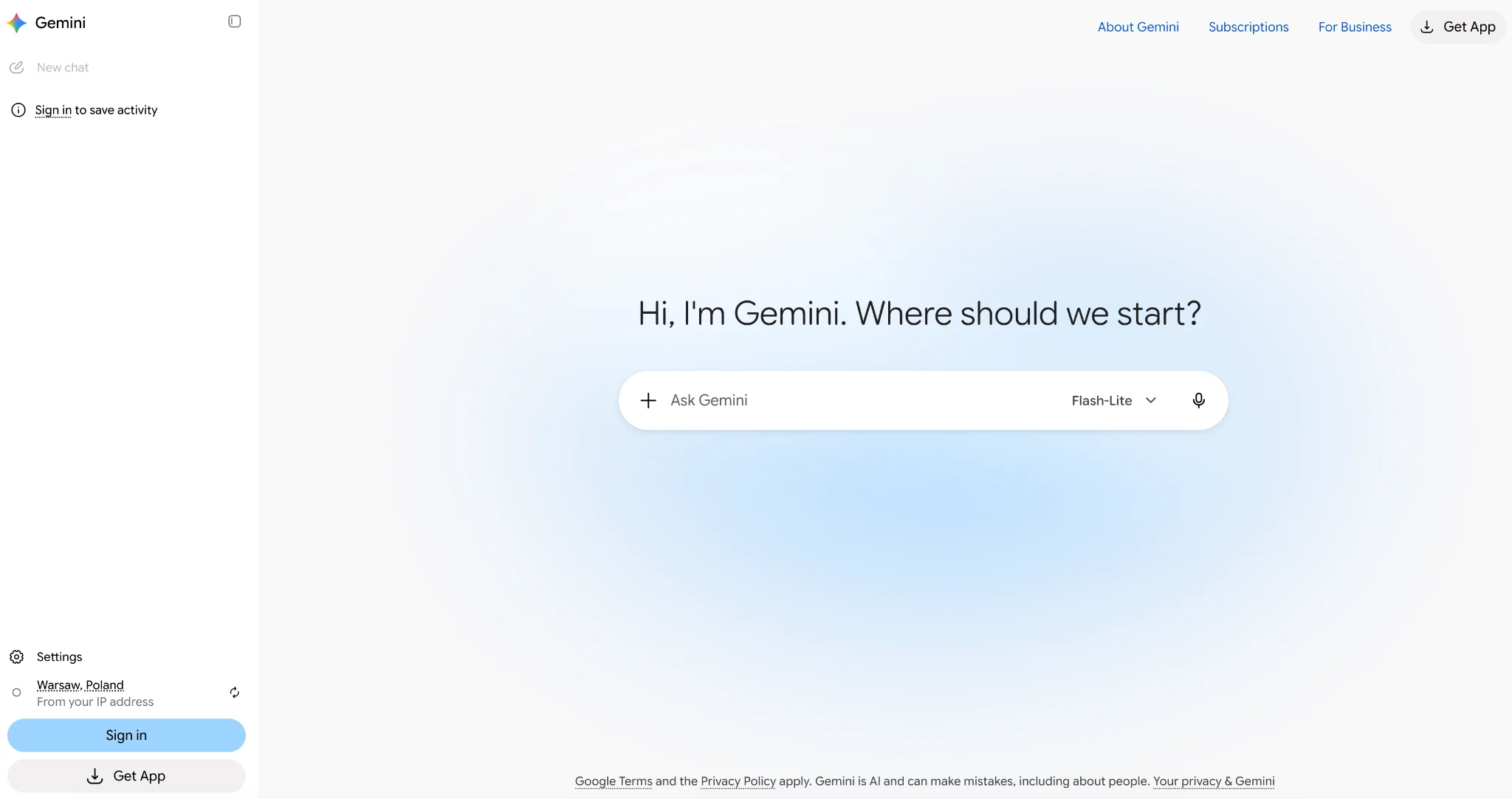
Google Gemini is an assistant connected to Google’s ecosystem. For people who work in Gmail, Docs and Drive, its in-app features can reduce the steps between finding information and using it. Access depends on the subscription, app and account settings.
For example, you can use eligible Gemini features to draft a document or summarize an email thread. Check which apps your plan includes before assuming that free Gemini access covers the same workflow.
Note the naming history. Bard was the original product, renamed Gemini in February 2024 when it moved onto the Gemini model family. Older guides referring to Bard describe the same product under its previous name.
Main Features
Workspace integration. Eligible plans provide Gemini features in Google apps; business access also depends on administrator settings.
Web research. Gemini can retrieve current web information, but sources and factual claims still need verification.
Multimodal. Text, images and audio in the same conversation.
Large context. Gemini handles very long inputs, which suits document-heavy work.
Pros and Cons
| + Pros | – Cons |
|---|---|
| Integration with Google apps | Requires a Google account |
| AI Plus starts at $4.99/month in the US | Business value depends on already using Workspace |
| Strong multimodal support | Features vary by plan, account and region |
| Free access for trying everyday tasks |
Subscription Plans
| Free | Google AI Plus | Google AI Pro | Google AI Ultra |
|---|---|---|---|
| Flash-Lite access with usage limits | $4.99/month | $19.99/month | From $99.99/month |
Google’s US subscription page lists AI Ultra at $99.99/month or $199.99/month, with different usage allowances. Business users should check their Google Workspace edition and administrator settings separately from personal Google AI subscriptions.
Who Is the Tool Best For?
People who already work in Google apps and want help within those workflows. AI Plus is the lowest advertised monthly paid entry price among the options in this comparison, but it does not include the same model access as AI Pro or Ultra.
3. Perplexity: Best for Research With Sources
Creator: Perplexity AI
Model access: Automatic selection on Free; eligible paid plans provide a choice of advanced models
Web search: Core feature
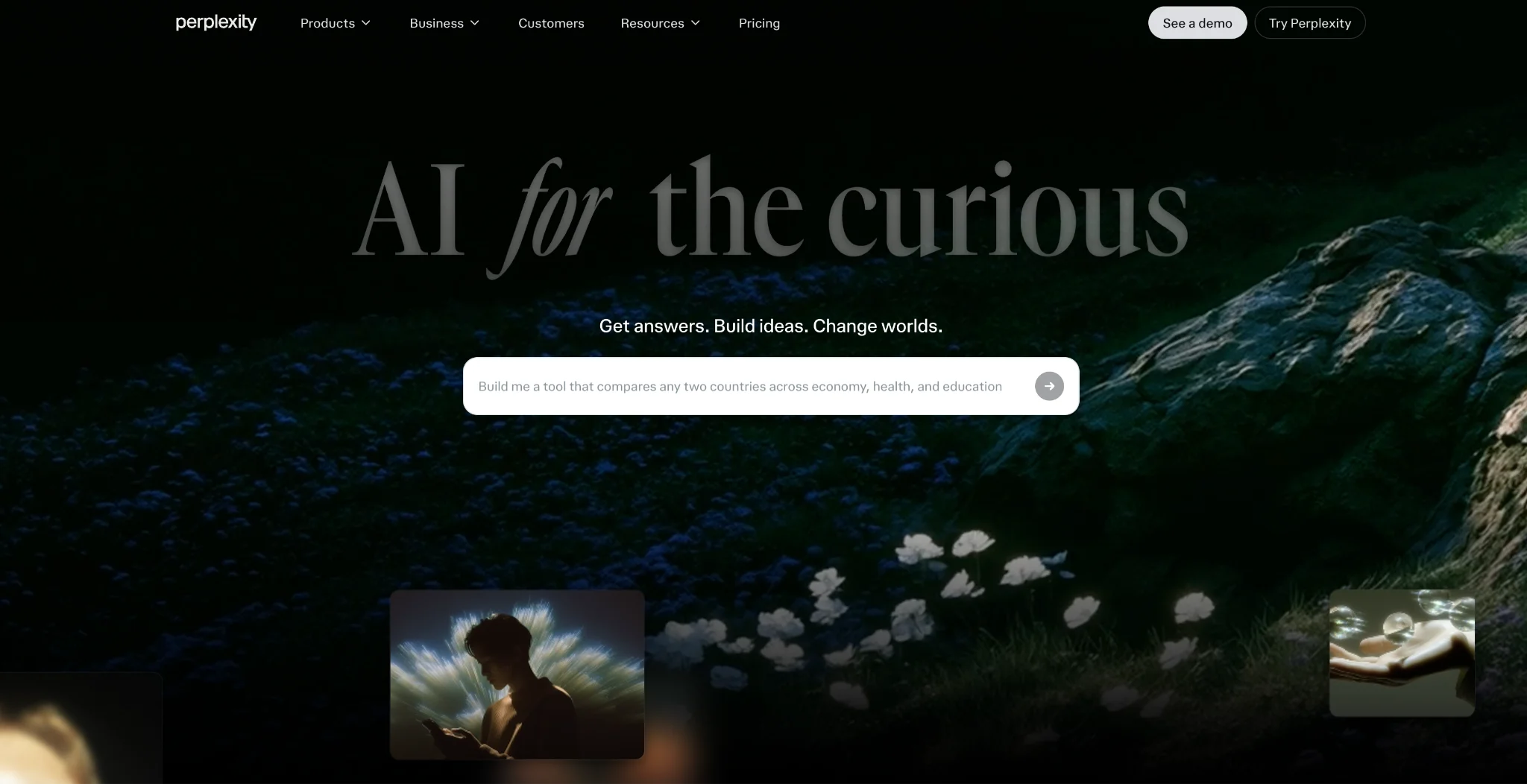
Perplexity organizes research around answers with source links. That makes it useful when you need to trace a claim back to a page, although a citation alone does not establish that the claim is accurate.
For example, use it to gather sources for a market overview, then open the original pages to check dates, definitions and whether they support the summary.
Perplexity also routes between models rather than running one. That means answers can draw on different systems depending on the question, and paid users can switch models within a thread.
Main Features
Source attribution. Research answers include links that help you verify claims against their sources.
Follow-up context. Conversations hold their thread, so you can narrow a question across several turns.
Multi-model access. Paid plans let you pick which underlying model answers.
File handling. Upload PDFs, images and spreadsheets for analysis.
Pros and Cons
| + Pros | – Cons |
|---|---|
| Source links in research answers | Not coding-first |
| Strong free tier | Source quality varies with what is online |
| Multiple models in one interface | Computer has separate usage and credit limits |
| Good for verifiable research |
Subscription Plans
| Free | Pro | Max | Education Pro |
|---|---|---|---|
| $0 | $20/month or $200/year | $200/month or $2,000/year | $10/month; eligibility verification required |
Perplexity’s plan guide explains the differences between Free, Pro, Max and Education Pro. Computer usage and credits are separate from ordinary search limits; Enterprise plans are available for organizations.
Who Is the Tool Best For?
Students, researchers, journalists and anyone who needs a convenient starting point for sourced research. Verify important claims in the original sources.
4. Microsoft Copilot: Best for Microsoft 365 Workflows
Creator: Microsoft
Model access: Varies across consumer Copilot, Microsoft 365 features and business plans
Web search: Available
Microsoft offers free Copilot chat, consumer Microsoft 365 bundles and Copilot plans for organizations. These products share a name but differ in app access, organizational data access and licensing.
For individuals, Microsoft 365 Personal includes Copilot features at $9.99/month, while Premium costs $19.99/month and provides higher usage allowances. These subscriptions bundle Microsoft 365 apps with Copilot; they are not equivalent to a standalone business add-on.
Main Features
In-app assistance. Drafting in Word, formulas and analysis in Excel, slide design in PowerPoint, inbox work in Outlook.
Organizational data. Eligible business configurations can use work content the user has permission to access, subject to licensing and administrator controls.
Content generation. Emails, reports and presentations drafted from a prompt.
Free access. Copilot chat is available without a paid subscription, subject to capacity and usage limits.
Pros and Cons
| + Pros | – Cons |
|---|---|
| Integration with Microsoft 365 apps | Higher total cost when a qualifying Microsoft 365 subscription is also required |
| Uses current OpenAI and Microsoft models | Business add-ons require a qualifying license |
| Permission-based access to work content on eligible plans | Consumer and business entitlements differ |
| Free basic tier in Windows and Edge |
Subscription Plans
| Free | M365 Personal / Premium | M365 Copilot Business | M365 Copilot for enterprise |
|---|---|---|---|
| Copilot chat with usage limits | Personal $9.99/month; Premium $19.99/month | $21/user/month list; eligible $18 annual-subscription promotion | $30/user/month |
Consumer bundles include Microsoft 365 apps. Business and enterprise Copilot add-ons require a qualifying base subscription. The $18 Copilot Business offer is promotional and subject to eligibility and annual commitment, with the cited offer extended through December 2026. Check Microsoft’s individual plans and business licensing offer before purchasing.
Who Is the Tool Best For?
People and organizations that regularly use Microsoft 365. Individuals should compare the bundled consumer plans; organizations should calculate the cost of the base license, Copilot add-on and any additional usage.
5. Jasper: Best for Brand Voice and Marketing Campaigns
Creator: Jasper
Model access: Multiple models selected by the platform; no single strongest model is specified per plan
Primary focus: Marketing content and brand consistency
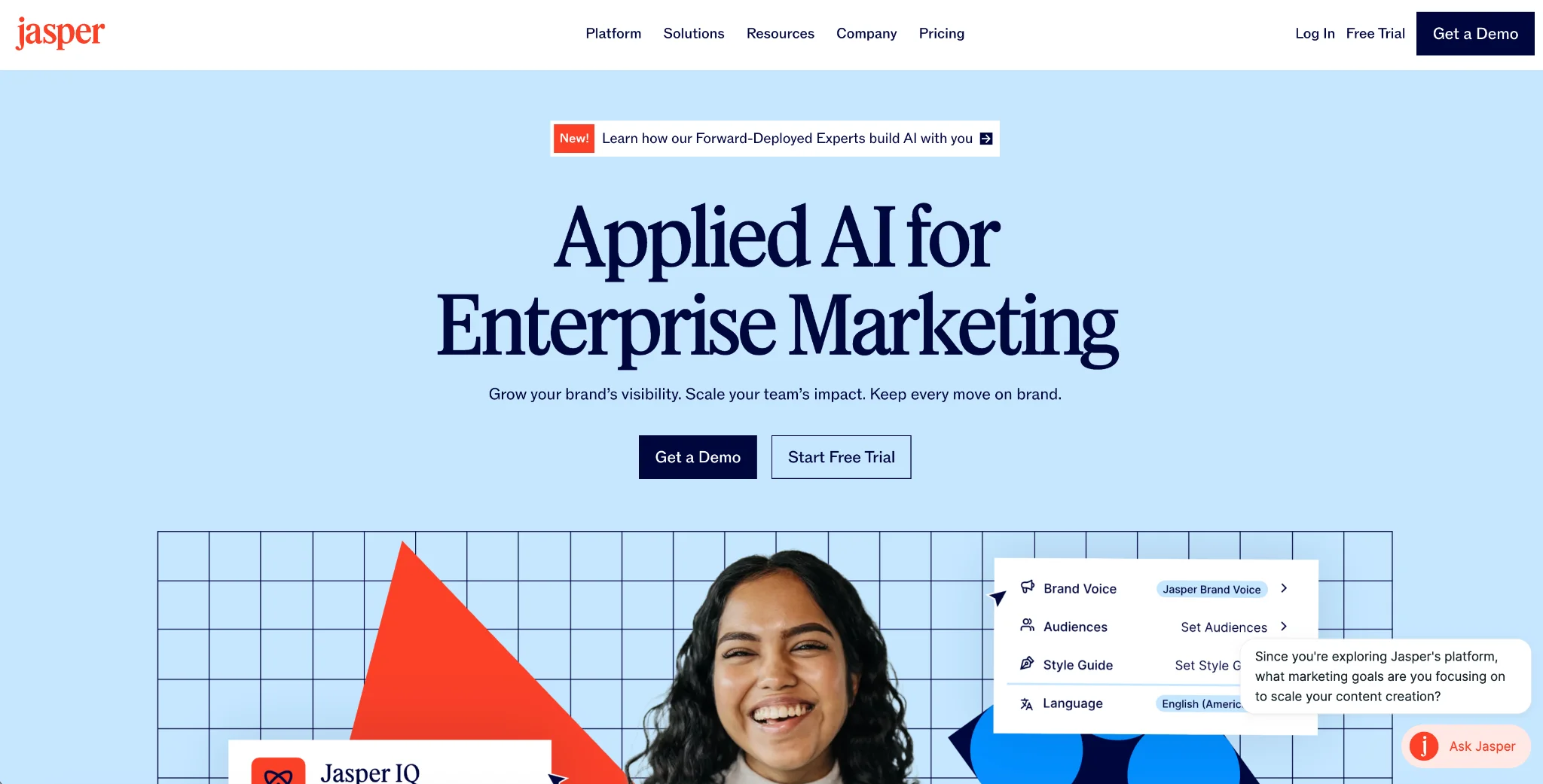
Jasper is designed for marketing workflows. Brand Voice and knowledge features help a team apply shared guidance to content, while campaign tools support producing several assets from a brief. Editors still need to check tone, facts and brand compliance.
Jasper offers a seven-day Pro trial rather than a permanent free plan. Its official pricing lists Pro at $69 per seat/month with monthly billing, or $59 per seat/month billed annually.
Main Features
Brand voice. Define tone and style once, apply across the team.
Marketing templates. Ad headlines, blog outlines, email subject lines, social posts.
Workflow support. Browser and platform features help teams use brand guidance during content creation; check the integrations included in your plan.
Campaign tools. Multi-asset campaigns generated from one brief.
Pros and Cons
| + Pros | – Cons |
|---|---|
| Brand voice across a whole team | No permanent free plan |
| Marketing-specific templates | Expensive next to a $20 general assistant |
| Campaign and collaboration features | Facts still need checking |
| Strong team workflows | Overkill for a solo writer |
Subscription Plans
| Pro | Business |
|---|---|
| $69/seat/month or $59/seat/month billed annually | Custom |
Who Is the Tool Best For?
Marketing teams that need shared brand guidance and repeatable content workflows. Solo writers should compare those features with lower-priced assistants before committing to an annual subscription.
6. Writesonic: Best for AI Search Visibility
Creator: Writesonic
Primary focus: AI search visibility, content and SEO
Model access: Varies by feature
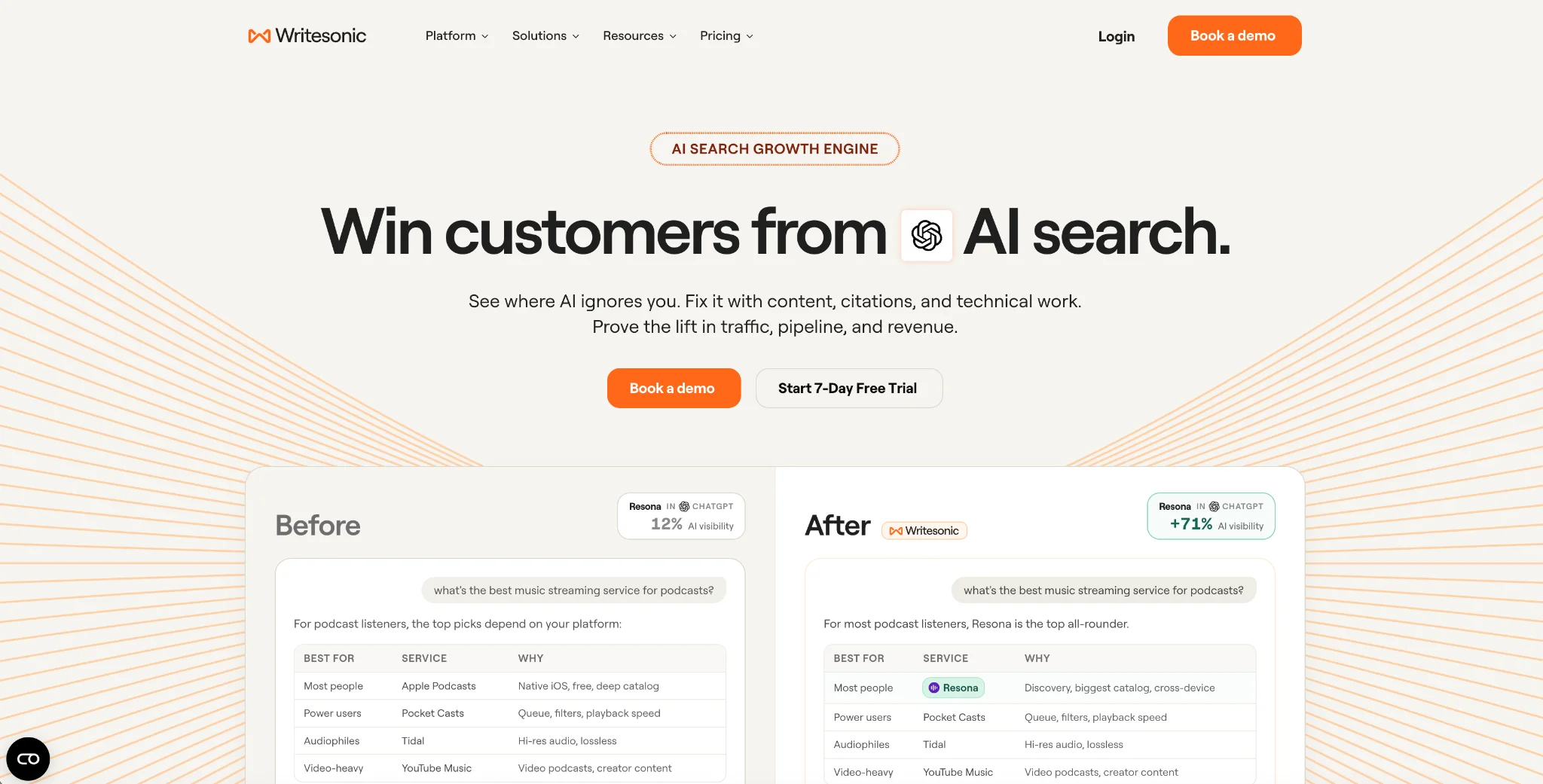
Writesonic combines AI search visibility tracking with content and SEO tools. Its Starter plan costs $79/month billed annually, or $948 for a year. The official pricing page lists the platforms tracked and the article, audit and workflow allowances for each plan.
Its value depends on whether you need to monitor your brand in AI answers and act on visibility gaps. A team looking only for occasional drafting should compare that wider feature set with the cost of a general assistant.
Main Features
AI search visibility tracking. Monitors how a brand surfaces in AI answer engines.
Article generation. Long-form content production, with article allowances per plan.
SEO tooling. Keyword and optimization features alongside the writing.
Pros and Cons
| + Pros | – Cons |
|---|---|
| Combines visibility monitoring with content tools | Annual Starter commitment costs $948 |
| Combines writing and visibility tracking | Tracked platforms and allowances vary by plan |
| Article allowances are clearly defined | Higher entry cost than basic chat subscriptions |
Subscription Plans
| Starter | Basic | Growth |
|---|---|---|
| $79/month billed annually | $199/month billed annually | $399/month billed annually |
Who Is the Tool Best For?
Marketing and SEO teams that need to monitor brand presence in AI answers and produce content alongside that research. Check the plan’s tracked platforms and allowances against your actual needs.
7. Elicit: Best for Academic Literature Review
Creator: Elicit
Primary focus: Evidence-based research and literature-review workflows
Model access: Varies by task; no single strongest model is specified per plan
Elicit stands out among AI alternatives to ChatGPT for its structured research workflows. It helps find papers, extract findings into tables and compare evidence. Its Research Agent can also use web sources, clinical-trial information and regulatory material, so it is not limited to academic papers.
For a literature review, Elicit can help screen papers against inclusion criteria and extract data into a consistent format. Researchers should validate both the screening decisions and the extracted results.
The practical benefit is being able to compare methods, samples and findings across studies. The quality of the review still depends on the search strategy, source coverage and human judgment.
Main Features
Paper search. Semantic search helps find related papers without relying only on exact keyword matches.
Data extraction. Pulls methods, results and conclusions into comparable tables.
Summarization. Condenses multiple papers at once.
Export. Eligible plans support formats for citation management and further analysis.
Pros and Cons
| + Pros | – Cons |
|---|---|
| Built specifically for literature review | English-language focus |
| Extracts structured data from papers | Findings still need human validation |
| Semantic search across research literature | Narrow use case outside research |
| Free Basic tier covers search and summaries |
Subscription Plans
Elicit has separate Academic and Industry pricing, so the cost depends on which plan track applies.
| Plan | Academic, billed annually | Academic, billed monthly | Industry, billed annually | Industry, billed monthly |
|---|---|---|---|---|
| Basic | Free | Free | Free | Free |
| Plus | $11/month, $132/year | $19/month | Not offered | Not offered |
| Pro | $39/month, $468/year | $69/month | $49/month, $588/year | $75/month |
Elicit’s official pricing lists separate Academic and Industry tracks. Basic includes paper search, summaries and chat where full text is available, with limited Research Agent and report usage. Academic Plus includes exports; Industry users should check the Pro tier. Scale and Enterprise add capacity and team features.
Who Is the Tool Best For?
Students, academics and researchers conducting literature reviews. It is popular in health and science, where the volume of published work makes manual review impractical.
8. Rytr: Best Budget ChatGPT Alternative
Creator: Rytr
Model access: Underlying model versions are not specified per plan
Primary focus: Writing and communication workflows
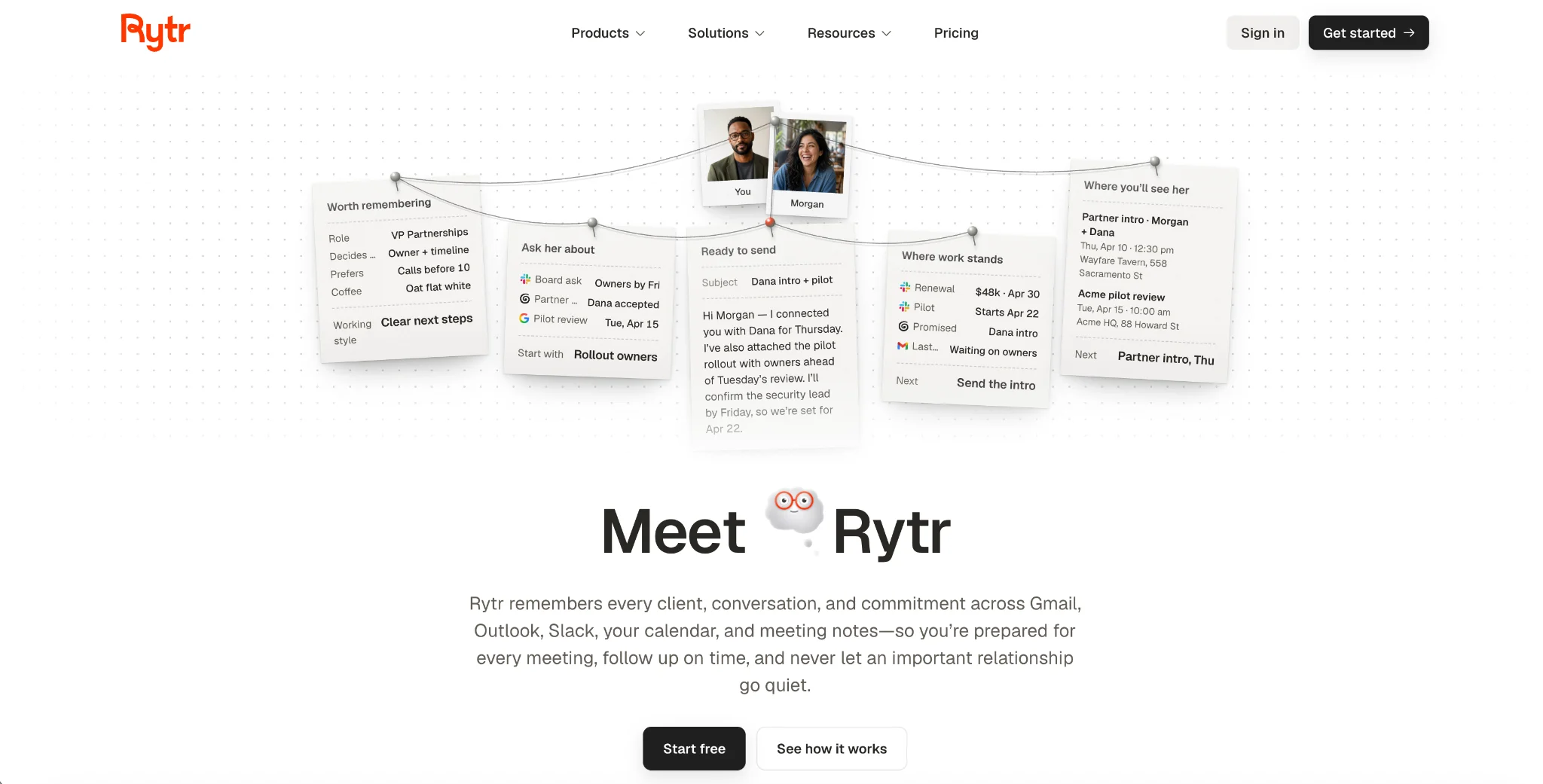
Rytr’s Lite plan starts at $9/month and removes the free plan’s monthly character limit. The current product also includes communication tools for relationship context, briefings and follow-ups, with higher allowances on Personal and Pro.
For a writing-focused trial, test a few emails, outlines and social posts in your own voice. If you also want communication assistance, compare the connected-source and action allowances rather than choosing only by character count.
Main Features
Voice and tone. Draft and revise content to suit the audience and purpose.
Templates. Predefined formats for common content types.
Languages. The free plan lists support for more than 30 languages.
Communication assistance. Plans include different allowances for connected sources, relationship context, research and follow-up actions.
Pros and Cons
| + Pros | – Cons |
|---|---|
| Lowest-cost paid writing tool in this list | Long documents still need editorial review |
| Genuine free tier | Connected sources and actions have plan limits |
| 30+ languages listed on the free plan | Team requirements need separate evaluation |
| Good for outlines and short copy |
Subscription Plans
| Free | Lite | Personal / Pro |
|---|---|---|
| $0; 10,000 characters/month | $9/month | Personal $19/month; Pro $49/month |
Who Is the Tool Best For?
Freelancers and small teams looking for affordable writing support, with optional communication features. Rytr’s official pricing offers 20% savings with annual billing; check the annual total at checkout.
9. DeepSeek: Free Chat With Separately Billed API Access
Creator: DeepSeek
Model family: V4-Pro and V4.1-Flash; consumer modes and API versions may differ
API options: DeepSeek-V4-Pro-0813 and DeepSeek-V4.1-Flash-1017
Web search: Available
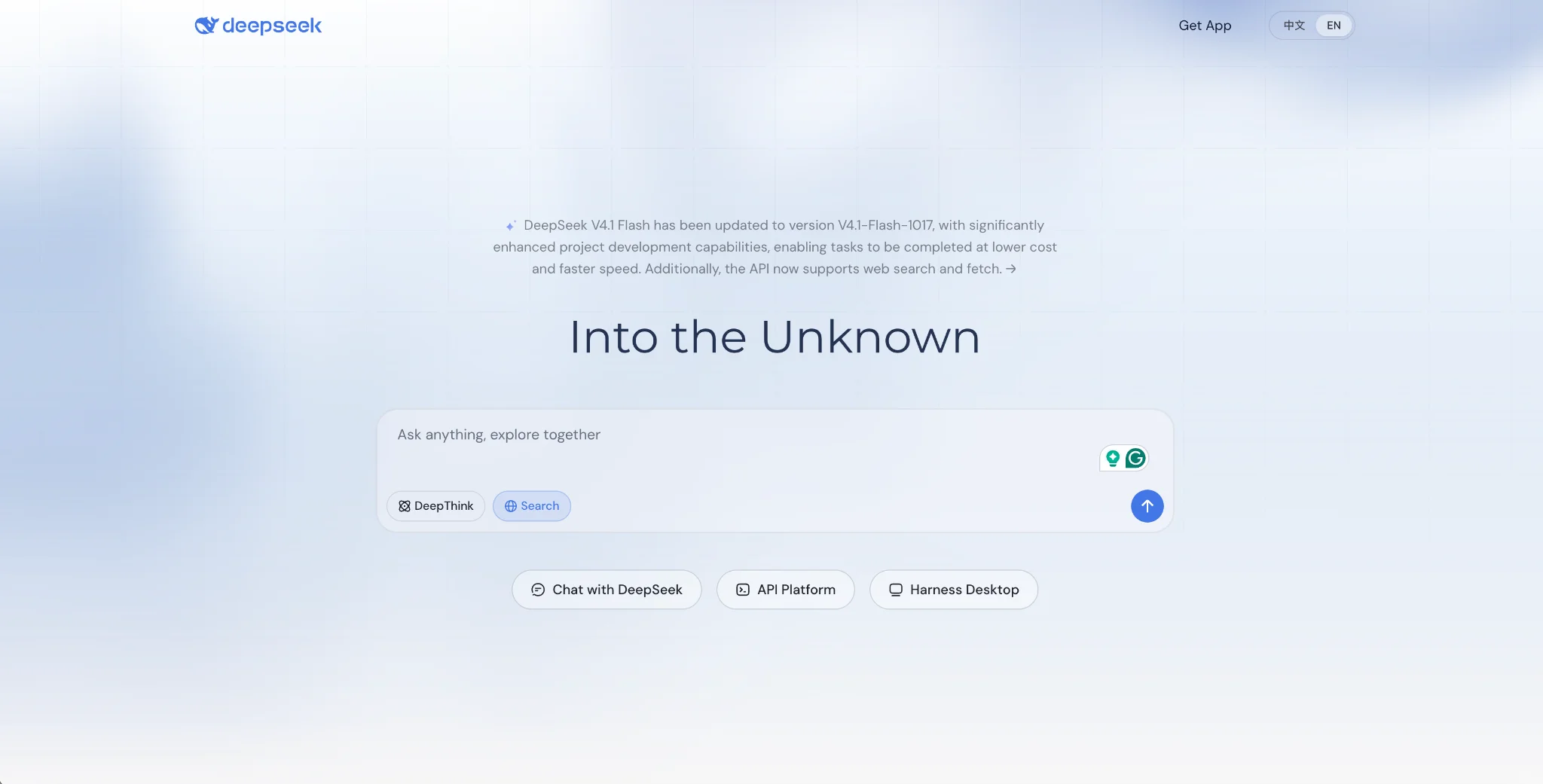
DeepSeek is an option for people comparing alternatives to ChatGPT without a consumer subscription. Its web and mobile apps provide chat, search, and file-handling features, subject to availability and service limits.
The free consumer app and the paid developer API are different offerings. A free account does not promise unlimited usage or guaranteed capacity, and the self-hosting model requires your own infrastructure.
The models are also open-weight, which matters for teams that want to self-host or audit what they are running.
Main Features
Free consumer chat. Use supported chat, search and file features without a consumer subscription, subject to service availability.
Open weights. The models can be downloaded and run on your own infrastructure.
Reasoning modes. Thinking and non-thinking modes for different task types.
Metered API. Developer costs depend on the model, input and output tokens, cache use and peak or off-peak timing.
Pros and Cons
| + Pros | – Cons |
|---|---|
| No paid consumer tier, the app is free | Availability and capacity are not guaranteed |
| Open-weight models can be self-hosted | Data handling and applicable privacy terms may differ by jurisdiction and provider |
| Published peak and off-peak API pricing | Fewer integrations than the suite assistants |
| Web search and file uploads included | Availability varies by region |
Subscription Plans
| Consumer app | API |
|---|---|
| Free, no paid tier | Separate metered charges; see pricing details below |
Who Is the Tool Best For?
People who want to try an assistant without a consumer subscription, and developers comparing inference or self-hosting costs. DeepSeek’s API pricing lists V4.1-Flash cache-miss input at $0.15 per million tokens off-peak and $0.30 at peak times; output costs $0.60 and $1.20 respectively. Search and Fetch are each billed separately at $0.75 per 1,000 successful requests. Check data-handling requirements before using sensitive material.
Best ChatGPT Alternatives by Task
The right answer depends on what you are doing. These are the picks by job.
| Task | Suggested option | Why |
|---|---|---|
| Long documents and analysis | Claude | Long-document analysis and instruction-based editing |
| Research with citations | Perplexity | Links for tracing research claims |
| Academic literature review | Elicit | Structured paper screening and evidence extraction |
| Google Workspace work | Google Gemini | In-app assistance on eligible Google plans |
| Microsoft 365 work | Microsoft Copilot | In-app assistance on eligible Microsoft plans |
| Marketing at team scale | Jasper | Shared brand guidance and campaign workflows |
| Budget drafting | Rytr | $9 a month, free tier available |
| AI search visibility | Writesonic | Tracks brand presence in AI answers |
| Using an assistant at no cost | DeepSeek | Free consumer access, subject to service limits |
Choose according to the steps you need to complete. In-app assistants can reduce context switching, while specialist products provide workflows such as paper screening or campaign creation. Test the result against your own quality requirements before deciding to switch.
To Sum Up
The best ChatGPT alternative is the one that helps you finish your work with less checking, editing and context switching. Start with a shortlist based on your main task, then test each tool on the same material.
Before paying, confirm the full billing commitment, model access, usage limits and data settings. An inexpensive plan is only useful if it includes the features you actually need.
If none of the nine fits what you need, custom development is the other path. Companies like LITSLINK can build a custom GPT chatbot around your own data and workflow.
FAQ
What are alternatives to ChatGPT?
The main alternatives to ChatGPT apps are Claude, Google Gemini, Perplexity, Microsoft Copilot, DeepSeek, Jasper, Writesonic, Elicit, and Rytr. Each covers a different job, from research with citations to brand-voice marketing content.
What are some alternatives to ChatGPT that are free?
Claude, Google Gemini, Perplexity, Elicit, Microsoft Copilot, DeepSeek and Rytr offer ongoing free access. Their features and limits differ. Jasper and Writesonic offer trials rather than permanent free plans.
What are the best alternatives to ChatGPT in 2026?
Claude and Gemini are options for general assistance, Perplexity for sourced research, Elicit for structured evidence reviews, and Copilot for Microsoft 365 workflows. Choose based on your task, required integrations and plan limits.
What are the best AI chatbot alternatives to ChatGPT?
Claude, Google Gemini, Microsoft Copilot and DeepSeek offer conversational assistance. Perplexity combines a chat interface with search and source links. Access and capabilities vary by plan.
Are there better alternatives to ChatGPT?
An alternative may suit a particular workflow better. For example, Elicit offers structured literature-review tools and Jasper provides shared marketing guidance. That does not establish an overall quality advantage; compare tools on your own tasks.
Which ChatGPT alternative is cheapest?
Among the paid entry plans listed here, Google AI Plus starts at $4.99/month in the US. Rytr Lite starts at $9/month for writing, with 20% savings on annual billing. Several tools also offer ongoing free access.
Which factors matter when choosing an alternative to ChatGPT?
Compare your daily tasks, integrations, source-checking needs, usage volume and data requirements. Then check the full subscription cost, including annual commitments, seats and any required base licenses.
Which alternative is best for content and creative writing?
Consider Jasper for shared marketing workflows, Rytr for budget drafting and Claude for document editing. Test each with a sample brief and compare how much revision the output needs.
How often should I recheck AI subscription details?
Check the provider’s pricing and plan documentation before subscribing or renewing. Model access, usage limits, promotions and included features can change independently of the headline subscription price.